


Builder.io Review: Does This Visual Development Platform Actually Bridge the Design-Code Gap?
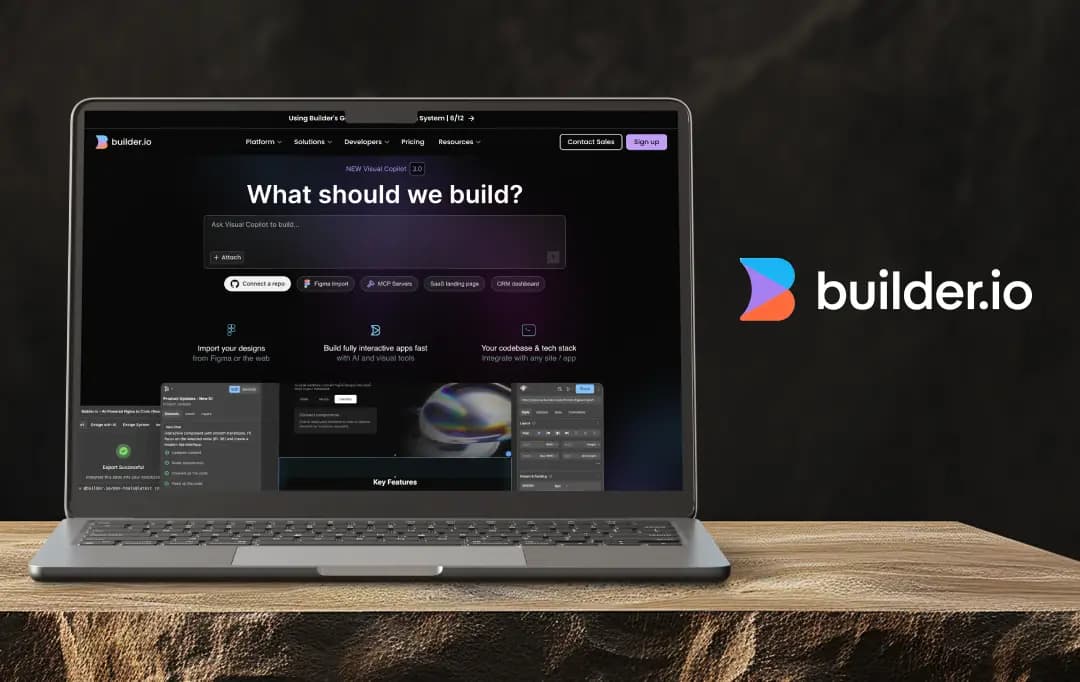
I get it. You've probably been burned before by tools that promise to revolutionize your workflow but end up creating more headaches than they solve. That's exactly why I spent a lot of time putting Builder.io through its paces. And I mean really testing it, not just the happy path demos they show you in sales calls, but the messy, real-world scenarios that break most tools.
After weeks of throwing everything I could at it, I've got some thoughts. Some good, some not so good, and a few that might surprise you. In this review, I'm going to walk you through exactly what it's like to actually work with Builder.io (not the polished marketing version).
We'll dive deep into the features that genuinely move the needle, call out the stuff that's still rough around the edges, and help you figure out if this thing is worth your time and money. By the end, you'll know whether Builder.io belongs in your toolkit or if you should keep looking.
Pros and Cons of Builder.io
Pros
- Visual Copilot generates genuinely clean, production-ready code
- Seamless integration with existing tech stacks and component libraries
- Non-technical team members can make real changes without developer intervention
- Real-time Figma synchronization preserves custom code while updating designs
- Built-in A/B testing and analytics eliminate the need for multiple tools
- Natural language commands for adding interactivity actually work
Cons
- AI occasionally creates confusing class names and structures
- Initial setup and component mapping can be time-consuming
- Mobile responsive editing feels clunky and often requires code view
- Content modeling interface overwhelms new users
- The analytics dashboard is cluttered and hard to navigate
- Limited to basic interactions; complex features still need developer input
Builder.io Features: Where Design Meets Reality
I'll be honest—when I first heard about Builder.io, I was skeptical. Another tool promising to fix the design-to-development handoff? We've all been down that road before. But after spending weeks actually using it with my team, I can say this one's different. It's not perfect, but it genuinely changes how you work.
1. Visual Copilot: Your AI Design-to-Code Partner
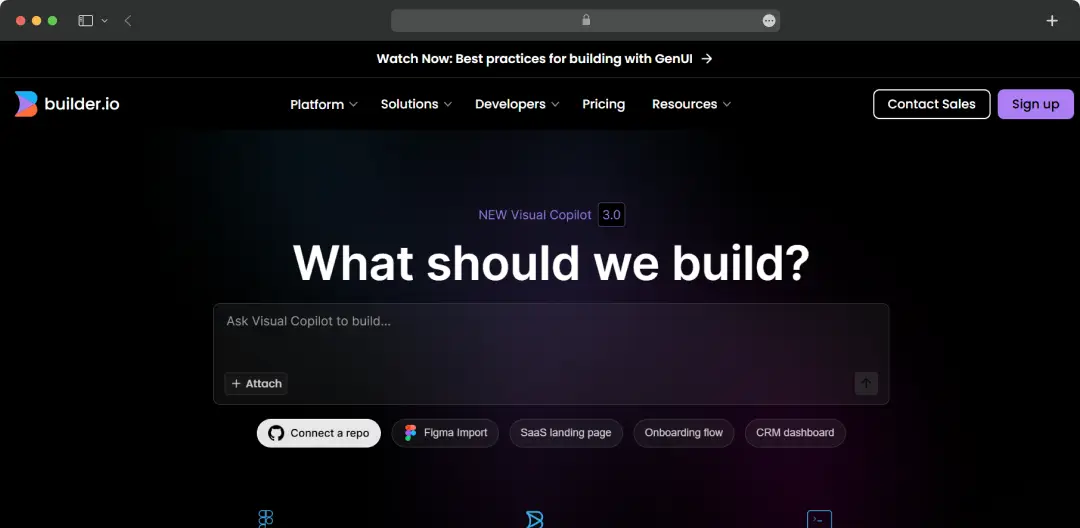
This is where Builder.io really shines. I uploaded a complex Figma design expecting the usual mess of nested divs and inline styles, but Visual Copilot actually delivered clean, readable code. The 50-80% time savings teams report? Yeah, that's real. What used to take me a full day now happens over lunch. Though I'll warn you, the AI occasionally gets creative with class names that make you scratch your head.
2. Component Mapping: Smart Code Reuse
Here's what impressed me most: Visual Copilot actually recognized our existing button component and used it instead of creating a new one. I've tested tools that claim to do this but end up generating duplicate components anyway. Builder.io actually walks the walk. The setup process takes some time initially, but once your components are mapped, it's smooth sailing.
3. Interactive Element Generation
I was genuinely surprised when I told it to "make this pricing table sortable," and it actually worked. The natural language commands feel a bit gimmicky at first, but they're surprisingly effective. However, don't expect miracles with complex interactions—you'll still need developer input for anything beyond basic accordions and toggles.
4. Drag-and-Drop Visual Editor
This is where non-technical team members really start to love Builder.io. I watched our marketing manager update an entire landing page without bothering the dev team once. The learning curve is minimal, and the interface doesn't feel dumbed down. That said, the mobile-responsive editing could be more intuitive—I found myself switching to code view more often than I'd like.
5. Headless CMS with Visual Superpowers
Finally, a headless CMS that doesn't leave content creators hanging. The visual editing layer makes this actually usable for marketing teams, unlike pure headless solutions that require developer handholding. Content management is genuinely straightforward here. My only gripe is that the content modelling interface feels a bit overwhelming when you're just getting started.
6. Framework-Agnostic Integration
The "works with anything" promise is mostly true. We integrated it with our Next.js app without major hiccups, and I've seen teams use it successfully with Vue and Angular. The SDK documentation is solid. Just be prepared for some initial configuration headaches if you're working with a particularly custom setup.
7. Real-Time Collaboration Hub
The collaboration features work well—no more screenshot-filled Slack threads about pixel adjustments. Seeing changes happen live while discussing them is oddly satisfying. Though the commenting system could use some work, it feels basic compared to tools like Figma's collaboration features.
8. Built-in Optimization Tools
The A/B testing and analytics integration saved us from juggling multiple tools. Setting up tests is straightforward, and the results actually help inform decisions. However, the analytics dashboard feels cluttered—there's useful data buried in there, but finding it takes more clicks than it should.
9. Smart Design System Enforcement
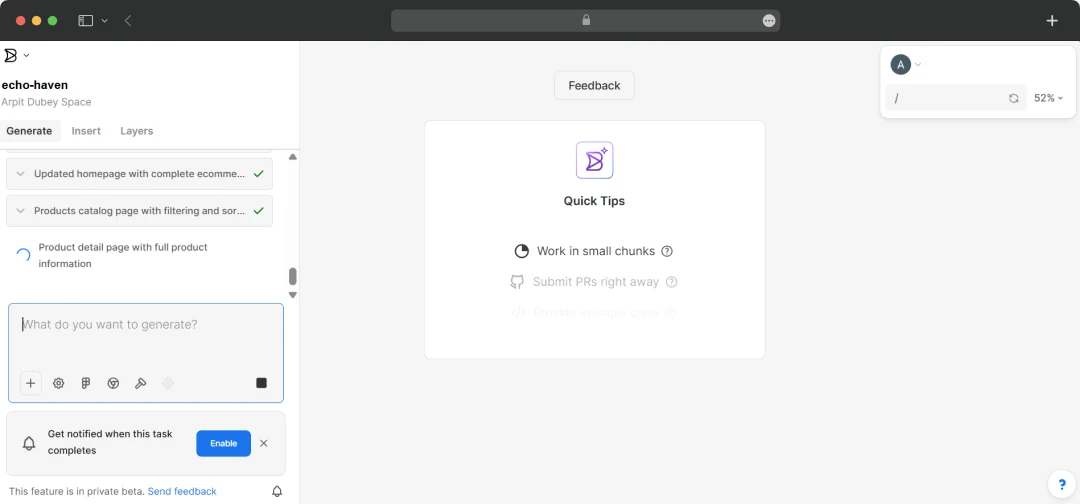
When it works, this feature is brilliant. Visual Copilot correctly applied our brand colors and typography about 90% of the time. But that 10% where it misses can be frustrating, especially when you're expecting consistency. The good news is that fixes are usually quick once you spot them.
10. Seamless Figma Synchronization
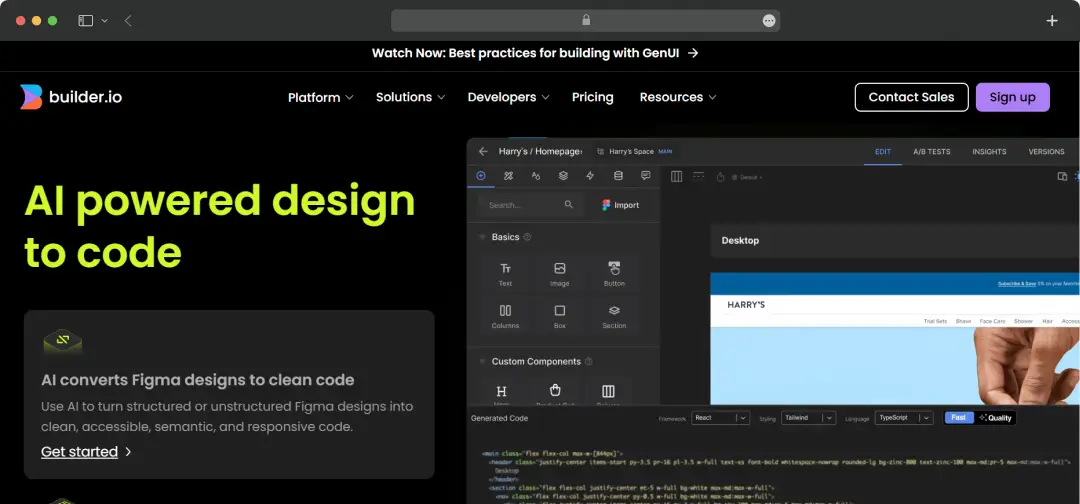
This feature alone might justify the price tag. Design updates flow into production without breaking custom code—something I didn't think was possible until I saw it happen. The syncing isn't perfect 100% of the time, but when it works (which is most of the time), it feels like magic.
Builder.io isn't going to solve every development workflow problem, but it genuinely makes the design-to-code process less painful. For teams tired of the endless back-and-forth between designers and developers, it's worth the investment.
Builder.io Plans and Pricing
1. Develop Pricing Model
| Plan | Free | Pro | Enterprise |
|---|---|---|---|
| Monthly Price | $0 | $30/user | Custom |
| Annual Price | $0 | $24/user | Custom |
| Users | Up to 10 | Up to 20 | Unlimited |
| AI Credits | 25/month, 5 daily limit | 100/month | Custom |
| Features |
|
Features of Free, plus:
|
Features of plus, and:
Add-ons:
|
2. Publish Pricing Model
| Plan | Free | Pro | Enterprise |
|---|---|---|---|
| Monthly Price | $0 | $30/user | Custom |
| Annual Price | $0 | $24/user | Custom |
| Users | Up to 10 | Up to 20 | Unlimited |
| AI Credits | 25/month, 5 daily limit | 100/month | Custom |
| Visual Views | 10k monthly | 100k monthly | Custom visual views |
| Features |
|
Features of free, and:
|
Features of plus, and:
Add-ons:
|
Customer Reviews
How was your experience with the product?
Also Reviewed By Us














