

Spike App Review: Is It Worth the Switch?
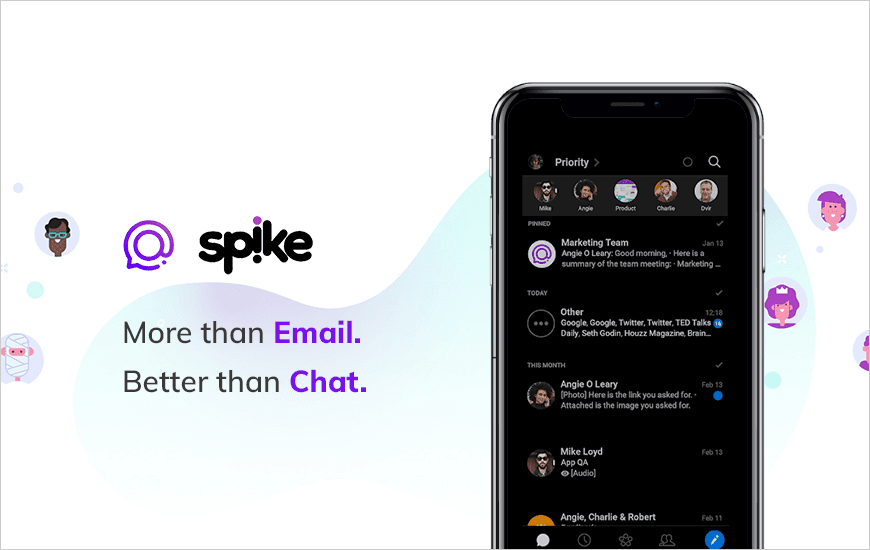
Our reliance on smartphones is not going to slow down anytime soon. Almost all our tasks are done on mobile devices only. There are so many apps for Mobile devices that make people’s lives easier as well as save time by performing the tasks for us. These types of mobile apps fall into the category of effective productivity apps that are mainly used for simplifying various tasks.
We often hear that productivity is the result of commitment, consistent effort and ability to stay focused. And that’s true. But now we have productivity apps that have started to occupy a crucial place in our day-to-day routine. The main reason behind it is that everyone wants to be more effective and time-efficient.
All you need to do is work smarter, not harder, with the help of productivity apps. Today we will be sharing an in-depth Mobile app review of one such app ‘Spike’.
About the Spike App
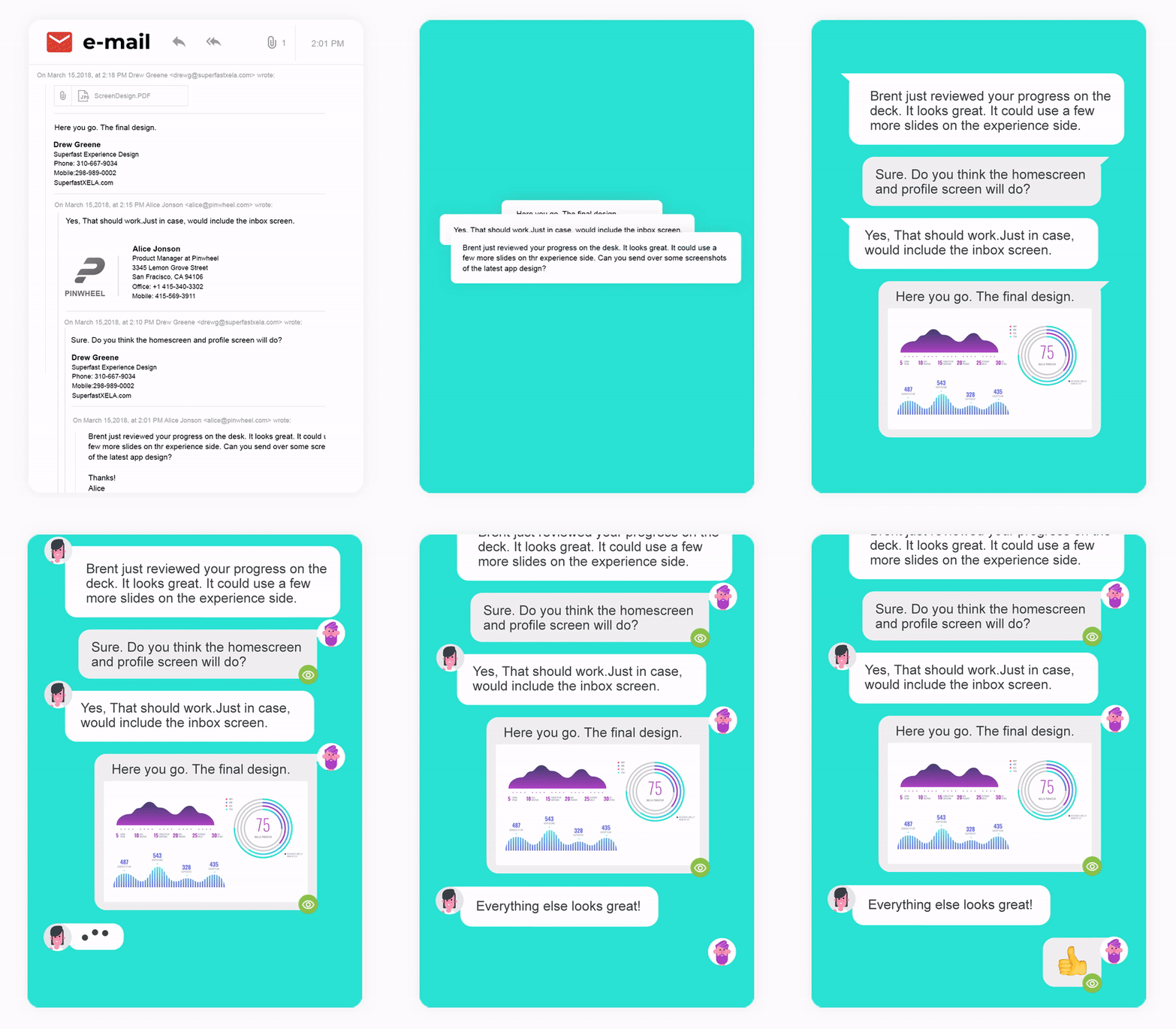
Spike's conversational email app is an all-in-one communication and collaboration workspace that turns your email into simple, chat conversations. Spike brings your entire workflow into your inbox:
- Emails
- Chats
- Calendar
- Calls
- Team collaboration
- Tasks
The Spike application works on top of the user’s existing email. The productivity app is available on a wide range of platforms including iOS, Android, Mac, Windows, and Web. This further provides the user with a single, unified, and fully functioning workspace that maintains a unified workflow.
Dvir Ben-Aroya, Spike Co-Founder and CEO said,
“The amount of time we spend on email is stressful. We spend so much time trying to control it and end up overloading on other tools. We're left with a collection of tools, in addition to email, and it’s become this huge and draining task.
We want to remove the stress of email entirely and make it something you enjoy doing and as simple as having a conversation. Spike Conversational email does that - allowing you to have real-time, human conversations, while bringing in all your essential tools into your inbox, reducing your workload and improving your workflow.”
Pros and Cons of Spike
Pros
- Conversational Email Interface feels like chat, making threads easier to follow.
- Integrated Calendar keeps meetings and events in sync without leaving your inbox.
- Real-Time Collaboration with team chats, notes, and tasks in one place.
- Smart Priority Inbox helps declutter by pushing important emails forward.
- Voice and Video Messaging adds a more personal touch to team communications.
- Beautiful, Minimal UI that feels modern and distraction-free.
Cons
- Free Plan Limitations restrict access to premium features for professionals.
- Occasional Sync Delays with external accounts like Gmail can cause minor hiccups.
- No Unified Search across all sections can make finding older content tedious.
- Mobile App Experience can feel slightly less polished than the desktop version.
- Learning Curve for users unfamiliar with hybrid email-chat tools.
- Limited Third-Party Integrations compared to other productivity suites.
Key Features of Spike App
Use Spike, the world’s first conventional email app, to manage your messages on your email accounts. Check out these primary features that you are surely going to find extremely useful in the Spike app:
- Conversational Email: Turn your existing emails into a simple conversation and give your conversations a more human feeling.
- Unified functionality: No need to constantly switch between apps. You can keep multiple email accounts all in one place with the help of the best email app.
- Team Chat: Chat with teammates or clients with the help of an email chat app. Anyone can be a part of a chat even if they don't use Spike.
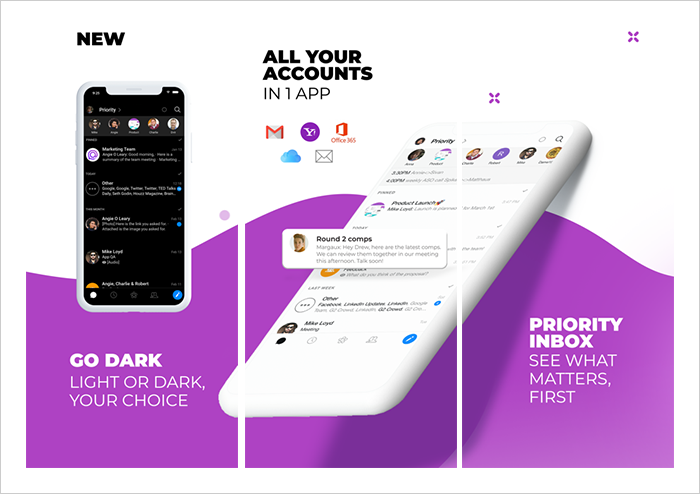
- Dark Mode: Enjoy better readability and save your battery life with the dark mode feature of the spike app.
- Data privacy and Safety: The AES256 email encryption keeps the data safe as security is the topmost priority of the spike app.
Spike app also supports a wide range of platforms Gmail, Outlook, Yahoo, Hotmail, iCloud, Office/Outlook 365, IONOS mail, GoDaddy email, Exchange, AOL, and IMAP mail accounts. The Spike app also works seamlessly between your mobile device and the desktop app
You also have access to multiple calendars, Instant preview option whereby you can view all files without even downloading them. Save time as you work with customizable actions for swipes and notification. These were the fundamental features of the Spike app that makes it easy to use for customers.
Benefits of Opting for the Spike app
Together, Spike brings the best of emails and instant messaging into a single app. Check below what makes the Spike app different and unique from other productivity apps and what are the benefits of using this app.
1. Send later Option
This feature makes this productivity app different from others. You can schedule emails and continue to work normally with the help of the ‘send later’ option of the Spike app.
2. Ad-free
The Spike app guarantees the privacy of its users, the app is ad-free and does not sell your data. Nowadays, being ad-free is one of the primary features that users demand in their mobile apps as people want to utilize their time effectively.
3. Prioritize Inbox
Priority inbox shows important emails first, junk and less important emails get moved aside. This is an innovative functionality in the Spike app which helps users prioritize their emails and focus on important tasks.
4. Undo Option
Pressed send too soon? Don’t worry! Users can unsend their messages within 10 seconds.
Spike app gives you more productivity in a single platform so that you can focus on your work rather than working on multiple different platforms makes it different from all other productivity apps.
In addition to this, the Spike app also has a YouTube channel where the brand regularly releases descriptive videos explaining the different functionalities of the Spike app. For instance, the latest video of Spike, explains to its users how to save time with bulk actions such as delete/archive/mark as ‘read’ multiple messages on desktop, as shown in the video below.
Pricing Plans for Spike App
The productivity app is free to download for Android, iOS, and web browsers and is also available on Mac and Windows. Spike is free for personal accounts and business accounts need to pay. You can try out the below-mentioned subscription plans in the Spike application.
Subscription Plans:
If you want to use Spike for your business communication then you need to use the Pro version.
1. Personal Account - When a customer is using his personal account (such as you@gmail.com) on Spike, the account is free to use for an unlimited number of accounts and storage of up to 100k messages.
2. Business Account - Each custom domain account needs a subscription, but users can add unlimited personal accounts, and get priority support with the Pro version of the Spike app.
- Annual Plan - $5.99 per user per month
- Monthly Plan - $7.99 per user per month
MAD Verdict - Spike App Review
Undoubtedly, there is a need for productivity apps like Spike that provide a single platform for users where they can ensure that teams can work more productively and more efficiently, regardless if they are in the same office or work remotely.
There are many apps in the app store and Google Play Store that offer productivity services, but Spike offers unique and distinct features such as dark mode, send later, handle multiple mail accounts and priority inboxes.
Spike could be a good option if you use email for long discussions or want to have much more efficient conversations. In case you are interested in getting updates about what’s new in the mobile app industry then we at MobileAppDaily recommend you to go through the detailed mobile app reviews section to get updated with the trending Android and iOS applications.
Customer Reviews
How was your experience with the product?
Also Reviewed By Us