

Pick TV App Review – Your Guide to Live TV and On-Demand Content
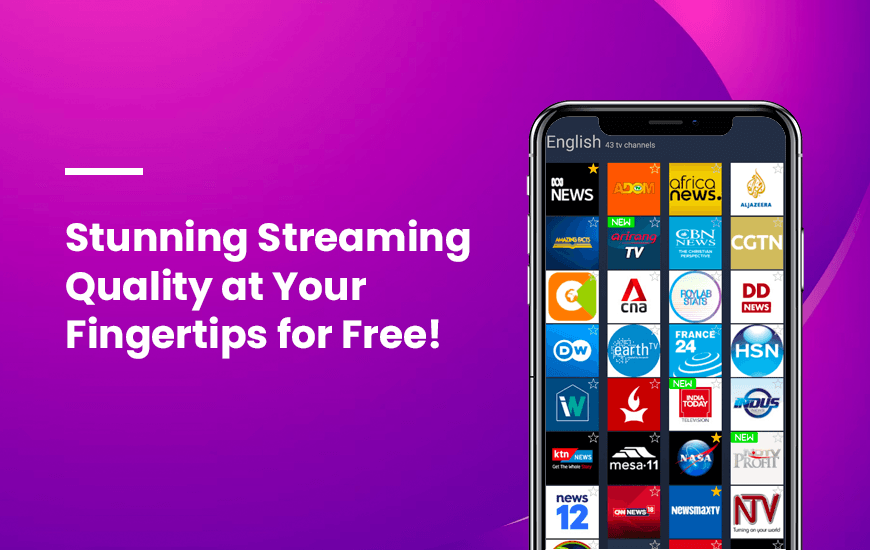
Even though the world is witnessing the dominance of streaming platforms due to their flexibility, the charm of watching shows in real-time their broadcasting is incomparable. That is the reason why live TV will always remain in fashion. However, as technology has evolved, live TV has become more flexible. This Pick TV app review focuses on one of the flexible ways that users are using these days to access live TV from anywhere.
“Pick TV is one of the coolest free streaming apps featuring live TV channels from around the World, the list of TV channels is constantly updated, which makes Pick TV one of the most dynamic apps on the market.”
- Founder of Pick TV
Pros and Cons of Pick TV
Pros
- Access to 280+ live TV channels worldwide
- Channels available in over 30 languages
- User-friendly interface with a favorite channel option
- No account or registration needed
- Completely free to use without hidden charges
Cons
- Requires a stable internet connection
- Lacks advanced features like DVR or on-demand content
- Occasional buffering or streaming interruptions
- May not be compatible with all devices
Features of the Pick TV app
As mentioned earlier, Pick TV is a perfect option to accompany you if you want some flexibility to access your favorite live TV channels. The best thing about this one of the top apps is that despite being a new entry in the market, it has already achieved the potential to revolutionize the digital market to watch free live TV on smartphones and tablets. How? Let’s have a look at the following features in the next part of this Pick TV review to understand that well.
1. Over 1,000 free channels on this live TV portal
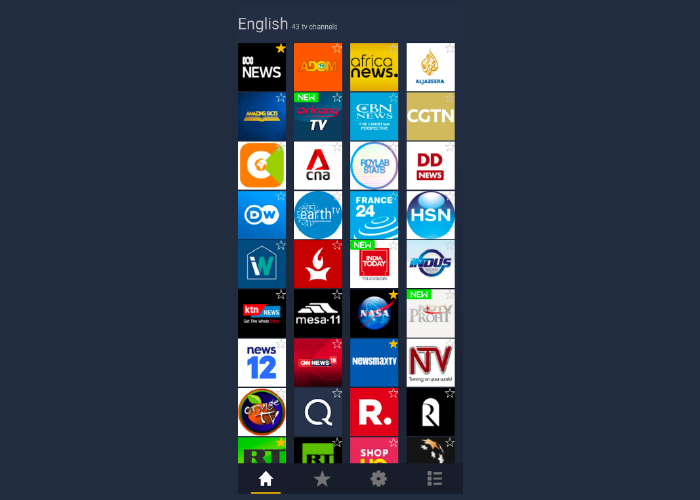
Whether you are in the mood to stream a Korean drama or want some news from the USA, you can simply download Pick TV and access the channels of your choice on a smartphone or tablet. If your smartphone supports Android or iOS, you can simply go to the app store and install Pick TV APK or .ipa depending on your smartphone’s OS and start streaming.
2. Category-wise channels for easier filtering
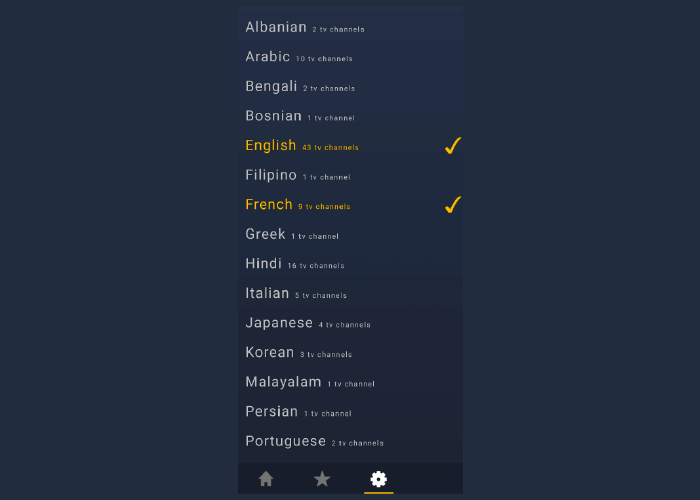
If you have preferences to watch live TV online with free streaming, Pick TV is still the perfect option you can have. This one of the best TV streaming apps labels channels on the basis of their locations, languages, and categories. So, whether you want the latest updates from around the world or looking forward to a sports night, Pick TV has you covered.
3. No subscriptions or registrations are required
Pick TV is designed so you can watch free live TV without any irritating steps including a registration process. You just need to install the Pick TV app for Android or iOS whatever your smartphone supports to begin using the app. Simple, right?
How to use Pick TV?
If you have ever installed any of the smartphone apps, you already know the process to start using this popular live TV portal. However, let’s have a look at the steps that will easily explain the process to use the app once you are done with the Pick TV app download.
- Search for Pick TV on the app store of your smartphone and install it
- Open the app and click on the channel you want to play
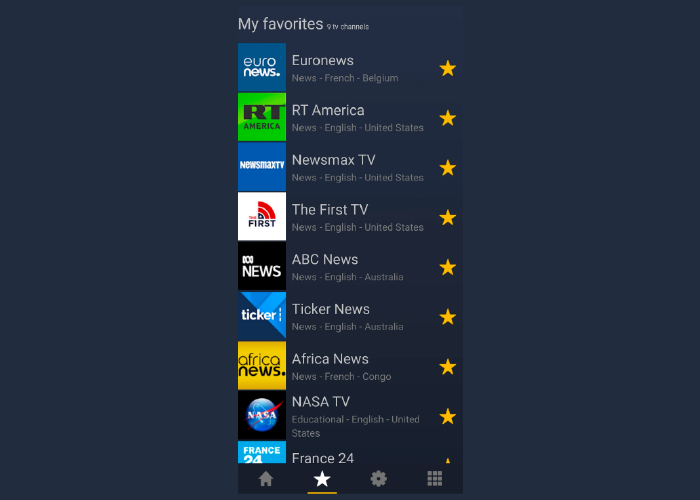
- You can also mark your favorite channels by clicking on the Star on the icon of each channel listed on the screen
- To access your favorite channels faster, click on the Star icon at the end of the screen
- The Setting icon can help you in changing your language preferences to see channels accordingly
Customer Reviews
How was your experience with the product?