


Copy.ai Review | The One Where AI Mapped My GTM Strategy
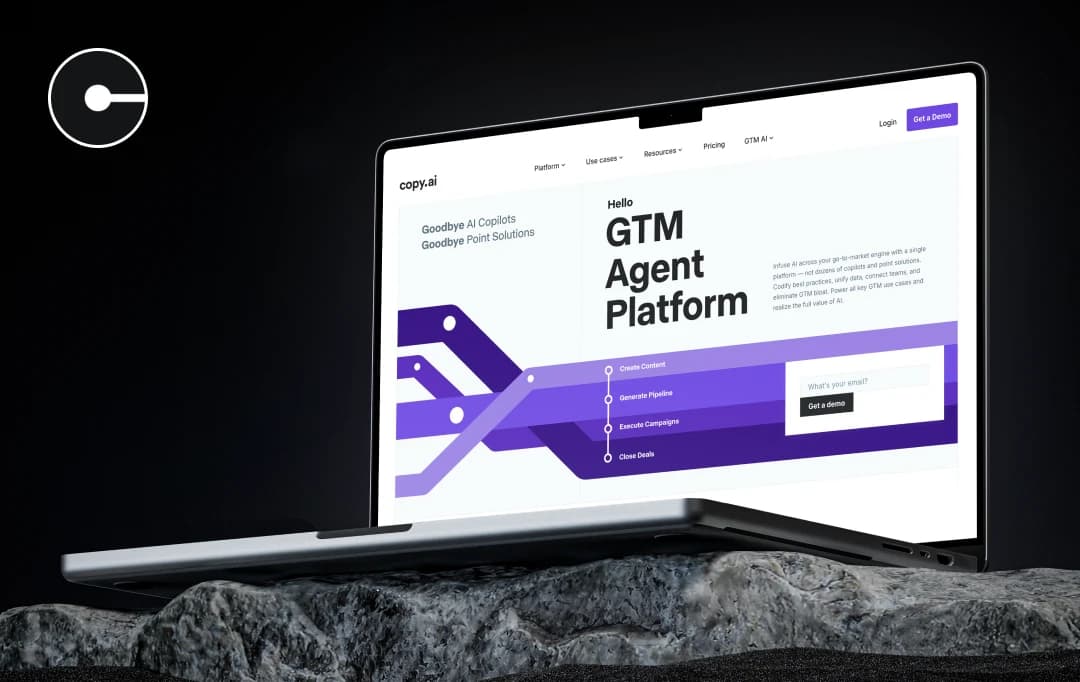
When I first heard about Copy.ai, I was a skeptic. The concept of an AI platform crafting my go-to-market strategy? I raised an eyebrow. "AI creating my business plan?" I thought. "Yeah, sure, that’s going to be a game-changer."
I mean, I’ve seen my fair share of AI in marketing tools that promised a lot but delivered… let’s just say, ‘generic.’ Most of them work like some stiff, formulaic system that churns out robotic strategies. But curiosity led me to give it a shot. I entered a basic product idea and held my breath.
What came back wasn’t just a set of generic suggestions and was better than what I anticipated. Most of the suggestions felt aligned with my goals and were sharp, strategic, and surprisingly innovative.
So, hold on tight as I share my firsthand experience with this game-changing AI tool. Trust me, you’re going to want to see how things unfolded in this Copy.ai review.
Also Read: Best Copywriting Tools to Generate Content
Pros and Cons of Copy.ai
Pros
- Over 90 templates to choose from for different content types
- Intuitive design makes it easy for beginners to get started quickly
- Ability to train a consistent tone and automate multi-step tasks
- Easy sharing via unique links, saving time with teammates or clients
- Great for idea generation & overcoming writer’s block – Helps spark ideas and save time on content planning
- Affordable relative to competitors like Jasper AI
Cons
- Generation speed can be slow, especially on complex or long-form content
- Output can be awkward or random, requiring careful editing to fix tone or coherence
- Frequent fact‑checking needed – AI often invents dates, names, or details that must be manually verified
- No browser extension or integrations – Must copy‑paste between Copy.ai and other tools
- AI output may lack originality or fail AI detectors; it lacks a built-in plagiarism checker
- Some templates feel gimmicky
A Look at Copy.ai Features
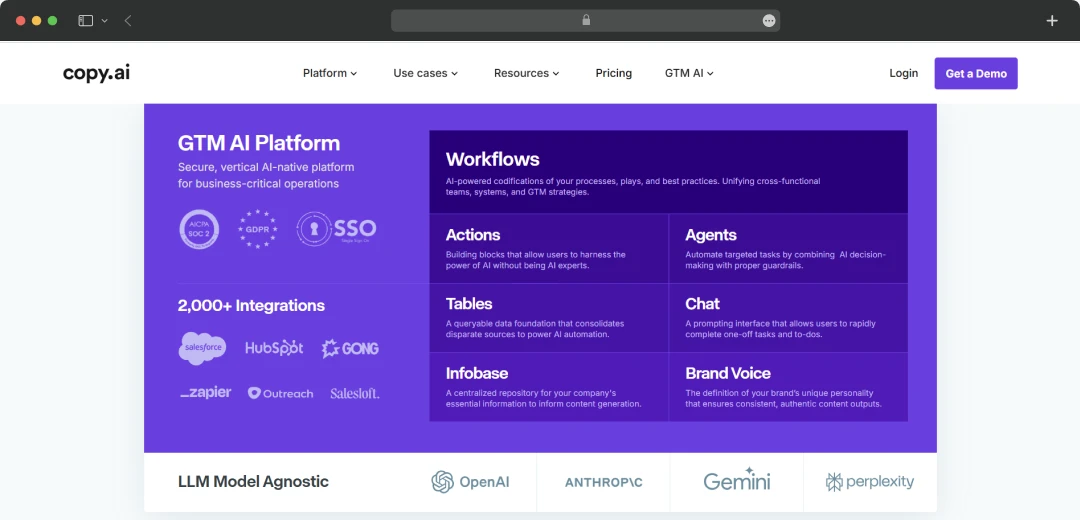
Copy.ai is a one-of-a-kind GTM platform powered by AI that streamlines the content creation process through its powerful features.
1. AI-Powered Content Generation
Copy.ai has become a trusted writing assistant, as it doesn’t just spit out generic text. I have used this platform to craft blog posts, captions for different social media platforms, product descriptions, and even ad copy with high speed and precision.
My personal experience? I was able to create an entire blog post in minutes, which would normally take me hours. I input a topic, and boom! The AI generated a piece that captured the essence of what I wanted to say—only faster and more polished than I’d imagined. No more staring at a blank screen for hours!
2. Infobase
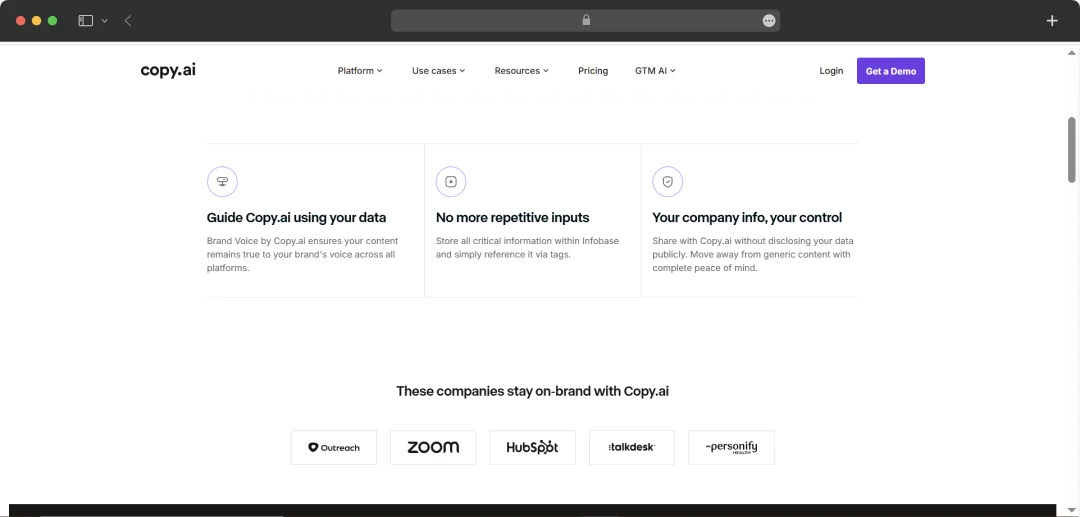
Here’s where Copy.ai gets smart—by remembering your brand's voice and values. The Infobase feature lets you upload brand-specific details, ensuring that every piece of content aligns with your tone and messaging. I love how this keeps everything on-brand. When I added our tone guidelines to the Infobase, it felt like having a brand guardian at my side. Every piece of content, whether it was a social post or a blog, sounded like it came straight from our voice, making it feel authentic and consistent across the board.
3. Automated Workflows
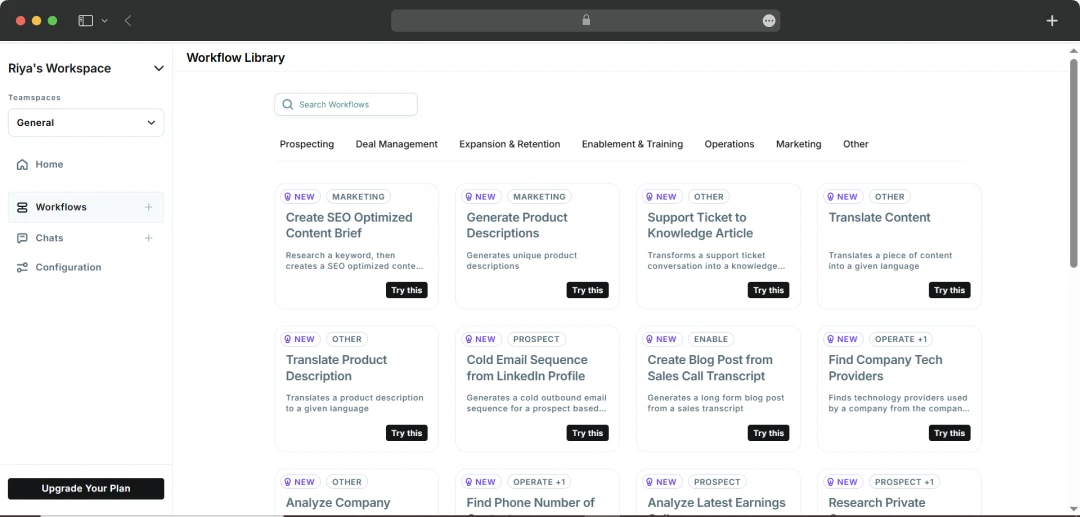
If you’re tired of repeating the same tasks, Automated Workflows will be your best friend. They let you automate steps in your marketing process, from generating email sequences to drafting product descriptions. For me, setting up a Workflow to automate follow-up emails was a game-changer. It saved me time and boosted response rates by 30%. Now, instead of manually writing emails over and over, I set it and forget it—Copy.ai takes care of the rest!
4. AI Actions
The AI Actions feature in Copy.ai lets you choose what you want the AI to do with your content. You can use actions like “Generate” to create new content, “Rewrite” to get different versions of existing text, and “Improve” to make your writing clearer and more polished. It’s a simple way to get the results you need with just a few clicks.
5. Chat Interface
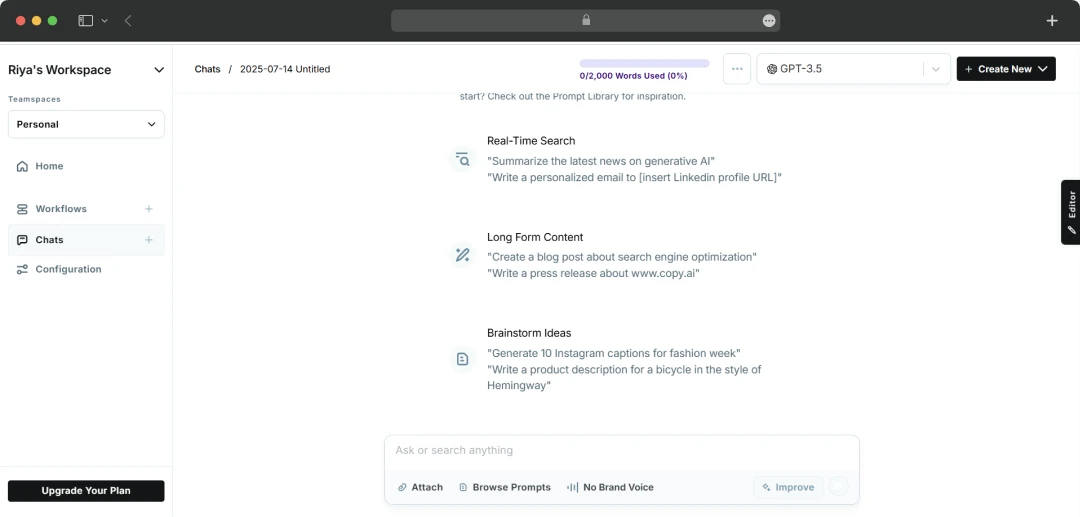
Honestly, working with an AI tool can sometimes feel robotic and clunky. But not with Copy.ai’s Chat interface! It’s like chatting with a super-smart assistant who actually listens and learns. I tried it for brainstorming ideas for a social media campaign. Instead of filling out forms, I just chatted with the AI, and it generated content suggestions in real-time. It felt way more natural, and the results? Way more creative than I expected. I had a blast experimenting with it!
6. Brand Voice Customization
Copy.ai’s ability to store multiple brand voices is a total game-changer. If you’re managing content for different audiences (say, B2B and B2C), you can set up different voices for each. When I used this, I was able to define a more formal voice for corporate emails and a friendly, conversational one for our social media posts. The AI seamlessly switched between tones, so I didn’t have to micromanage every piece of content.
7. Integration Capabilities
If you’re already using a bunch of different tools, Copy.ai integrates with over a thousand apps to make everything work in harmony. I personally integrated Copy.ai with our CRM, and it was as seamless as it can be. It pulled customer data and generated personalized content for each individual. The best part? It saved me from manually segmenting customer lists or tweaking each email. It was all automated, and the content felt more personalized than ever.
8. Collaboration Features
Finally, Copy.ai makes teamwork easy (a lot!). You can work on the same piece of content with your team, make edits, leave comments, and keep everything organized in one place. I used this when working on a project with a remote team, and it was so much easier to manage. Everyone could contribute in real-time, and we didn’t have to worry about losing any version of the content. Plus, the feedback process was streamlined, making everything flow much smoother.
Copy.ai Use Cases for Different Departments
As per our review of Copy.ai, this tool features advanced functionalities that can help multiple teams across departments. This tool can help Sales, Marketing, and Operations teams streamline their workflow and content creation.
Here’s a table explaining different use cases of Copy.ai for different teams-
| Department | Use Cases | Explanation |
|---|---|---|
| Sales | Better Prospecting and Outreach | The prospecting cockpit suite provides sales teams with deep account intelligence to find ideal contacts within target accounts. It then helps craft hyper-personalized outreach messages at scale. |
| Inbound Lead Processing | Copy.ai's Inbound Lead Processing uses AI to instantly score and qualify new leads. This allows the identification of the most promising prospects automatically. | |
| Deal Coaching & Forecasting | It uses AI to analyze sales data and communications, providing real-time coaching. This allows teams to accelerate their pipeline and generate more accurate revenue forecasts. | |
| Marketing | Account-Based Marketing | It automates the creation of hyper-personalized marketing campaigns at scale to drive relevant engagement and build a high-velocity pipeline. |
| Content Creation | Blends human strategy with AI to produce high-quality, on-brand, and SEO-optimized content quickly and at scale. | |
| Translation & Localization | This goes beyond simple translation to create culturally nuanced messaging that resonates with local audiences. | |
| Operations | Lead & Account Intelligence | Uses AI to uncover deep insights into an account's strategic priorities and enables the team to have value-driven conversations with personalized value propositions. |
| CRM Enrichment | CRM Enrichment uses AI to automatically sync and update CRM, eliminating manual data entry and ensuring records are always accurate and actionable. | |
| GTM Systems Integrations | GTM Systems Integrations allow you to connect Copy.ai with your existing sales and marketing tools, such as your CRM, CMS, or platforms like Zapier. |
Understanding Copy.ai Price and Subscription Plans
Copy.ai offers comprehensive pricing packages for individuals and enterprises. You can choose a suitable package as per your requirements and preferences. Here’s a detailed breakdown of the Copy.ai cost-
1. For Individuals
| Type of Plans | What do you get? | Price for the plan |
|---|---|---|
| Free |
|
Free (no credit card required) |
| Starter |
|
$49 per month $432 per annum |
| Advanced |
|
$249 per month $2,232 per annum |
*Copy.ai’s free plan features are limited and are suitable for basic use only. For more advanced capabilities, the starter and advanced plans are best-suited.
2. For Enterprises
If you are an organization ready to embrace the power of artificial intelligence for your GTM strategies, you can access Copy.ai at custom pricing. Your plan will include all the advanced features along with the following add-ons-
- Guided jumpstart implementation
- Full API access and workflow runs
- Unlimited customizable workflows
- Enterprise-grade security protocols
- Over 20 different tech integrations and APIs
- Designated account and a dedicated support team
Customer Reviews
How was your experience with the product?














