
InShot - The Perfect App for Video Editing
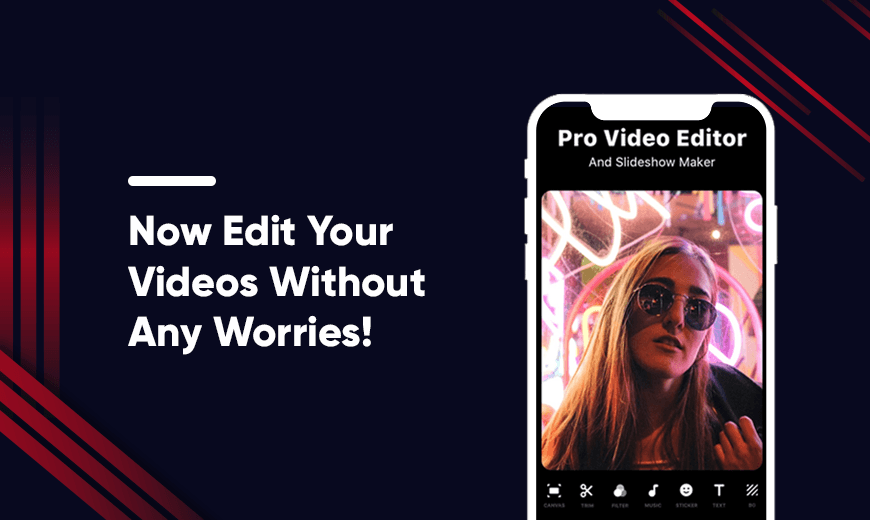
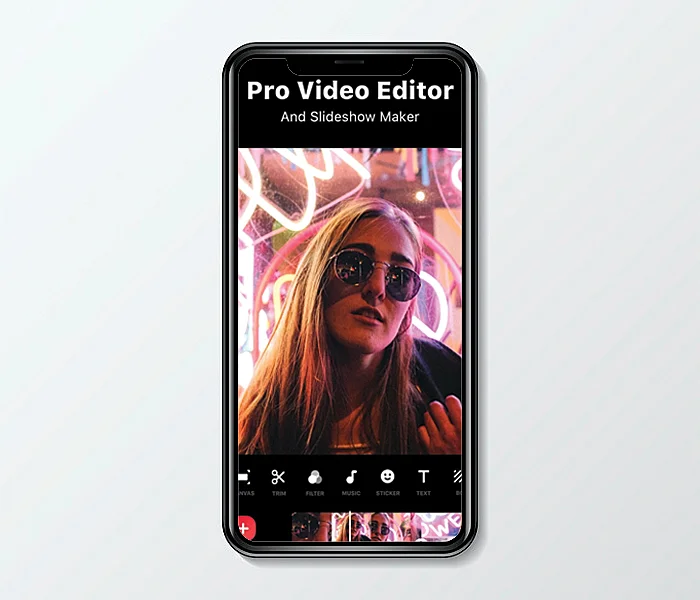
In today’s article, we are going to review one of the most downloaded video editing apps - InShot Video Editor. InShot is a photo and video editing app for iOS and Android that lets you explore all sorts of editing and enhancement options. It comes with a number of animated stickers, fonts, and filters, music, transition effects, etc., to make your videos and photos more impactful and appealing to users. The whole interface of InShot app only works in portrait mode, and you can easily create video projects, create collages, or work on a single image.
Now let’s get into the details of this popular InShot app.
Pros and Cons of InShot
Pros
- Trim and cut videos easily with InShot photo editor
- Merge multiple clips into one with InShot online editor
- Crop video and export in HD quality
- Rotate/Flip the video with InShot photo editor
- Add filters and effects with this video maker
- Accessible menus with InShot photo editor
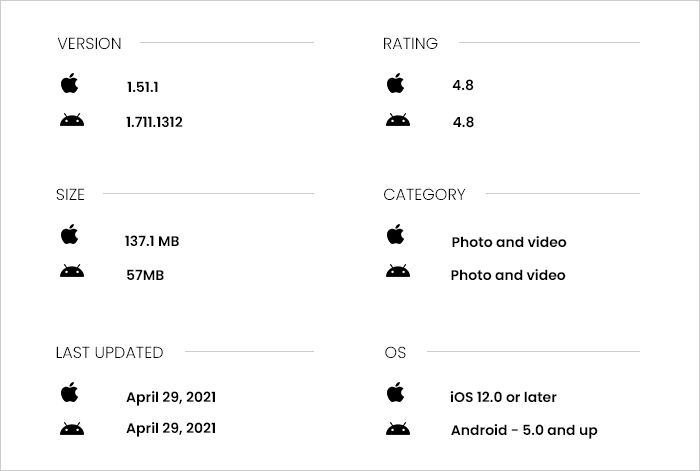
- InShot apk download is available for Android and iOS
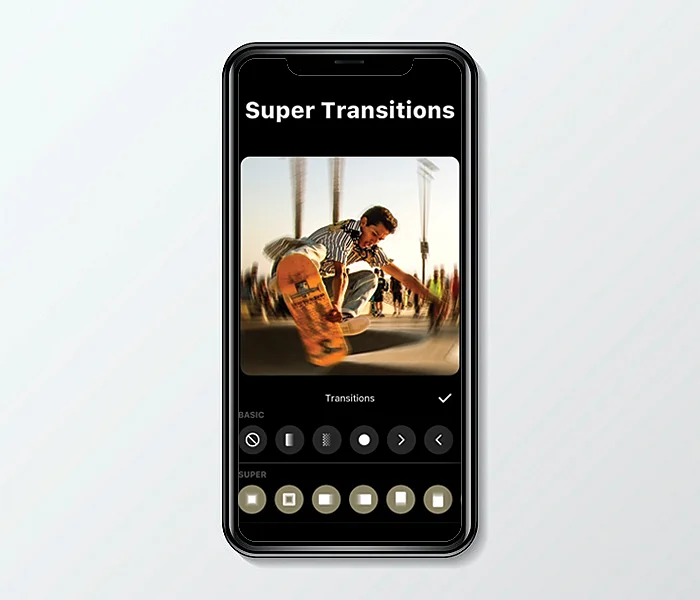
- Add video transition effects
Cons
- No guidance on how to use the InShot app
- No stickers search available with InShot photo editor
InShot: Photo and Video editing features
Some of the notable features of InShot Video Editor are as follows:
1. Precut, duplicate and delete
With the precut menu, you can trim, split, or cut the video. There’s also a split menu option that you can use to create a break in the video. The duplicate option in the InShot app lets you duplicate sections of the video. With the speed menu, you can slow down or speed up the video. With the delete option, you can remove the sections of the video you like with this video editor.
2. Canvas
With canvas, you get a range of orientation options to choose from. You can also zoom or change the background. Background options include blur, gradient, etc.
3. Filter
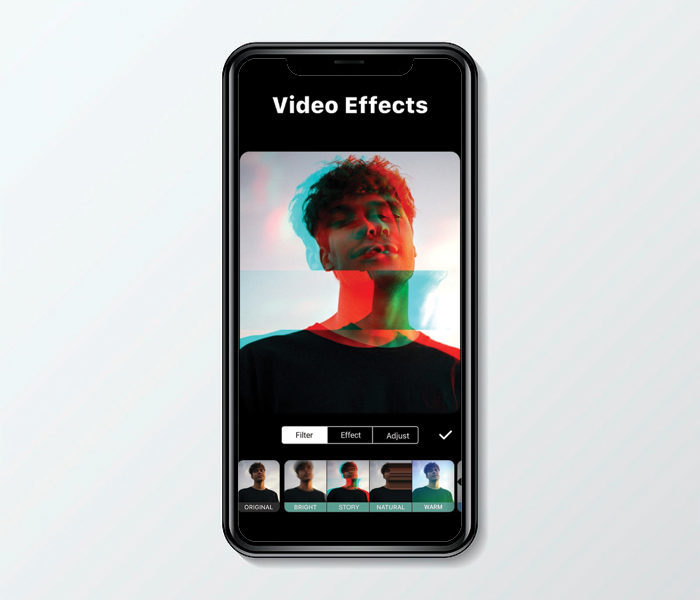
You can choose from a wide range of filters using the InShot app. They keep adding new filters time and again.
4. Crop, rotate and freeze
You can crop your image or video or choose from common orientations with the help of the InShot app. With the rotate feature, you can rotate or flip the image or video. You can also change the angle or zoom your footage. You also have the option to freeze or reverse the video using the InShot app.
5. Retouch
When you click retouch, you’ll be redirected to a page that promotes the Peachy app. Using the InShot app, you can use retouch features in the InShot app.
6. Effects
This video maker offers five effect categories and each category has a wide range of unique effects to choose from. You can apply video transition effects to one section of your video and then pull the effect to the left or right using the slider at the bottom to automatically apply it to additional sections.
7. Glitch
The glitch feature in the InShot online editor helps you to make your picture or video look to have a glitch, add noise, or give it an old school snowy TV look.
8. Music
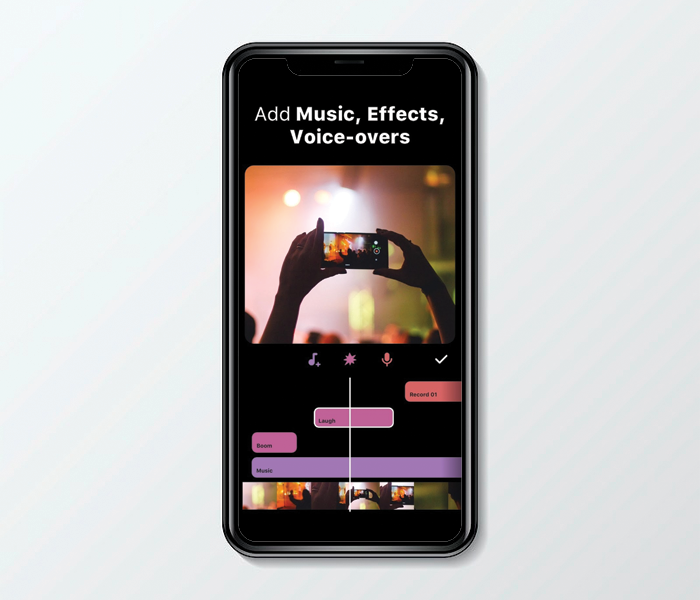
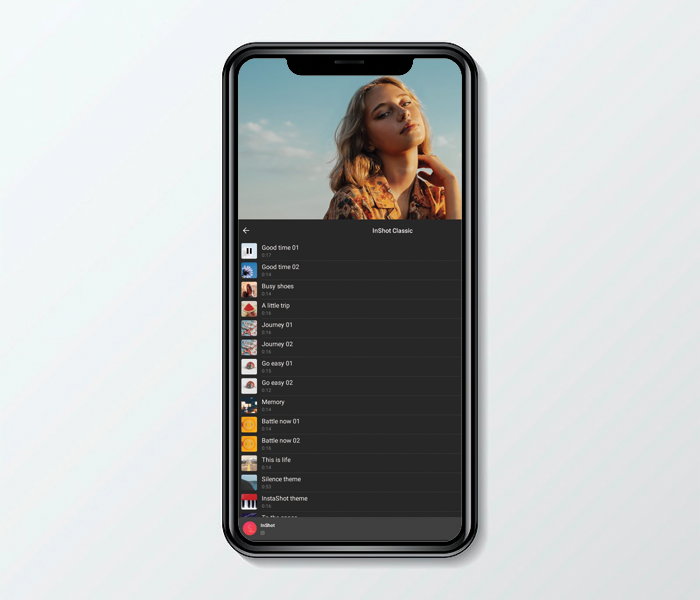
You can add or import sound effects with InShot online editor. You have the option to choose from featured music and extract audio from a video. You can also record your own audio with this Insta reel video maker.
9. Volume
You can change the volume for different sections of the video. You can extract audio, too, using the InShot app.
10. Settings
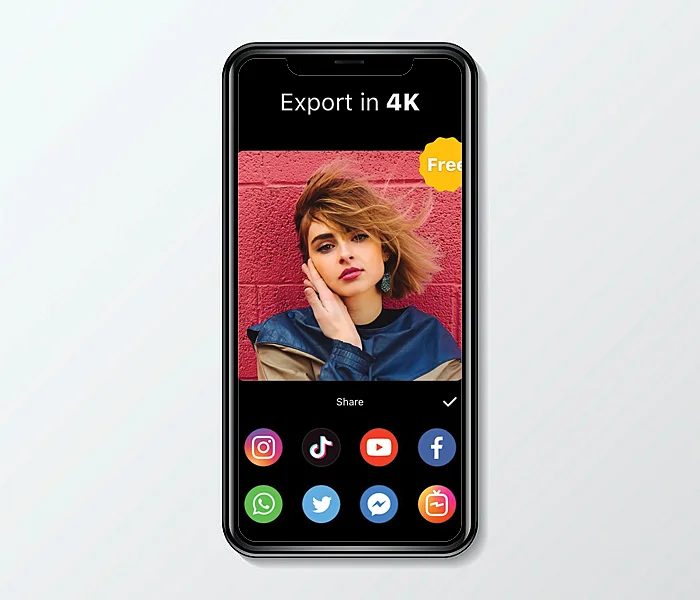
The Settings option in InShot photo editor gives you two options - you can set video resolution to 720p or 1080p or toggle on or off option to add tags.
Pricing
InShot download is available for both Android and iOS users. It is free to use. InShot Pro is the app’s premium version, and it doesn’t have any limits on the effects, filters, and video transition effects that you can use. Plus, you won’t get any watermark on the images and videos. Pro has three price tiers: $3.99 per month; $14.99 per year, which includes a three-day trial; or a one-time charge of $34.99 for lifetime access.
Customer Reviews
How was your experience with the product?