
Vectors and Planes Review: Best or Bust?
Visualizing 3D math concepts can feel like trying to imagine a fourth dimension. Whether you’re stuck understanding how a line intersects a cone or trying to picture what a hyperbolic paraboloid even looks like, it’s easy to get overwhelmed just flipping through textbook diagrams and dense equations.
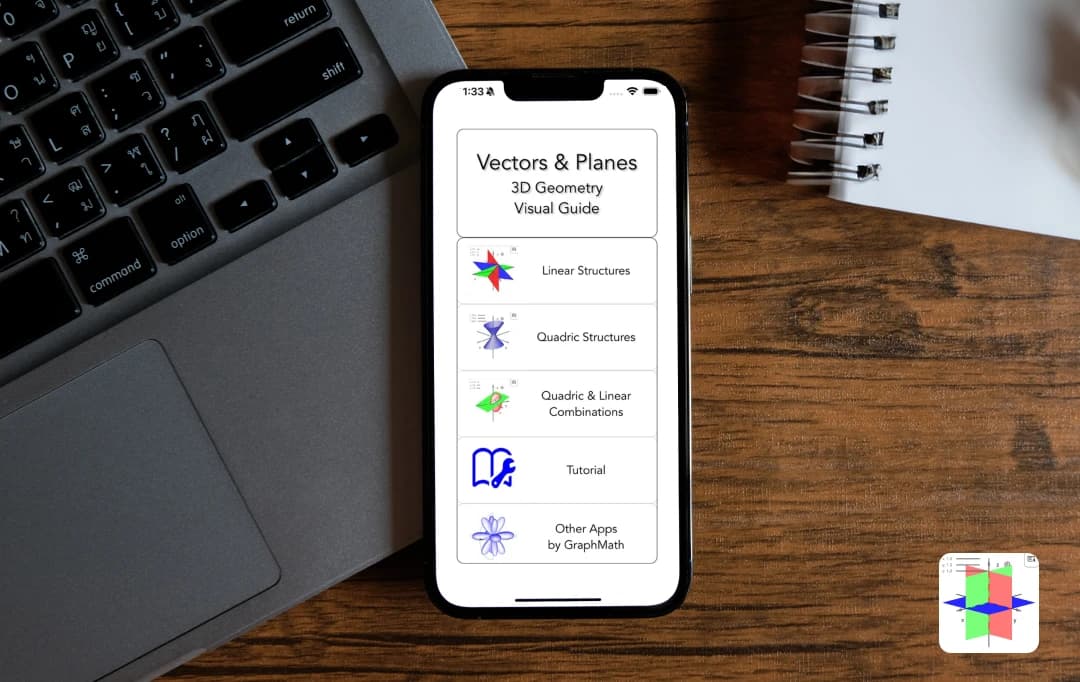
That’s exactly the problem the Vectors and Planes app solves. A product of the company Graphmath, it takes all those confusing 3D structures—planes, vectors, ellipsoids, cones, cylinders, and more—and brings them to life with interactive 3D visuals and step-by-step explanations. No more staring blankly at the page—now, you can actually see how everything works together.
In this review, we’ll break down what makes the app stand out, explore its best features, and help you figure out if it’s the right tool to level up your 3D math game.
Pros and Cons of Vectors and Planes
Pros
- Makes it super easy to understand complex 3D structures and intersections
- From planes and vectors to ellipsoids and hyperboloids, it's all there
- Not just visual, it actually teaches you the math behind every interaction
- Great learning aid for geometry, calculus, and linear algebra
- Offers matrix forms for shapes, which is rare and super useful for advanced learners
Cons
- Some concepts (especially matrix-based forms) can be intimidating at first
- 3D interactions are best viewed on tablets or desktops for a full experience
Vectors and Planes Review: Tech Specifications
| Category |
iOS |
|---|---|
| OS | Requires iOS 15.0 or later |
| Rating | 5.0 |
| Size | 3.2 MB |
| Last Updated | Feb 9, 2026 |
| Version | 16.4 |
Vectors and Planes Features
Now that you’ve got a glimpse of what the app is all about, let’s break down the features that really make it shine. From interactive 3D models to detailed math explanations, here’s everything the Vectors and Planes app brings to the table.
1. Visualize Linear Structures Like a Pro
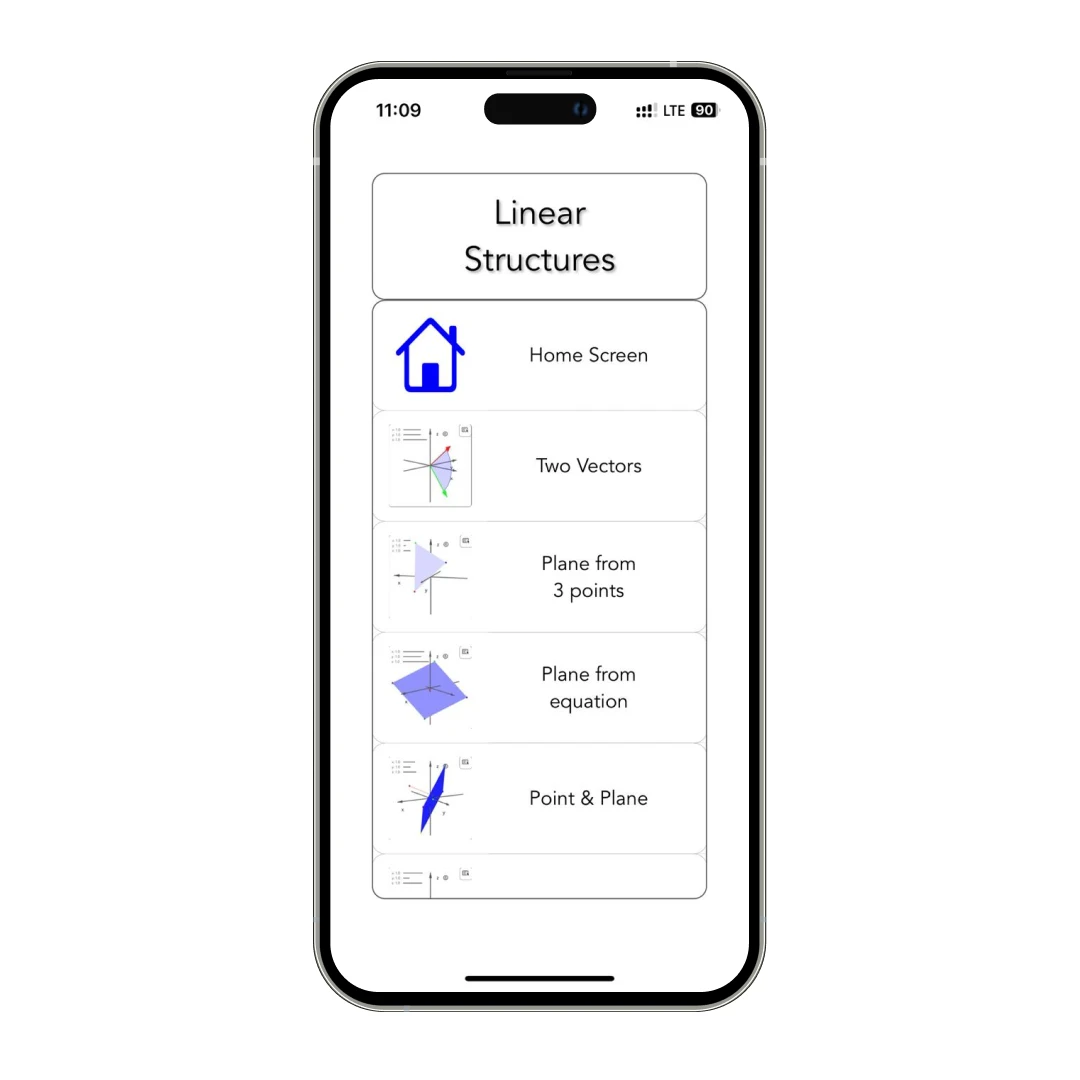
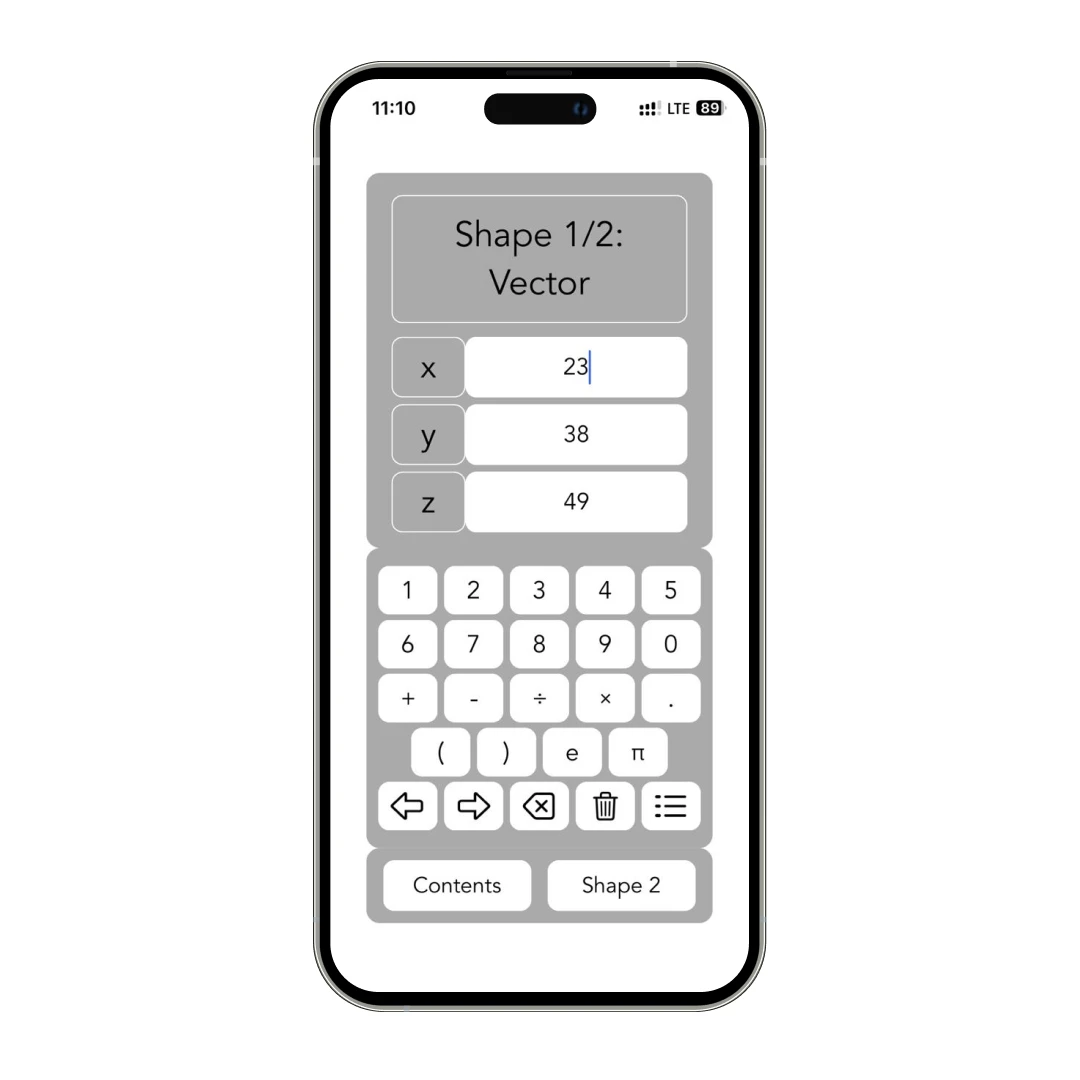
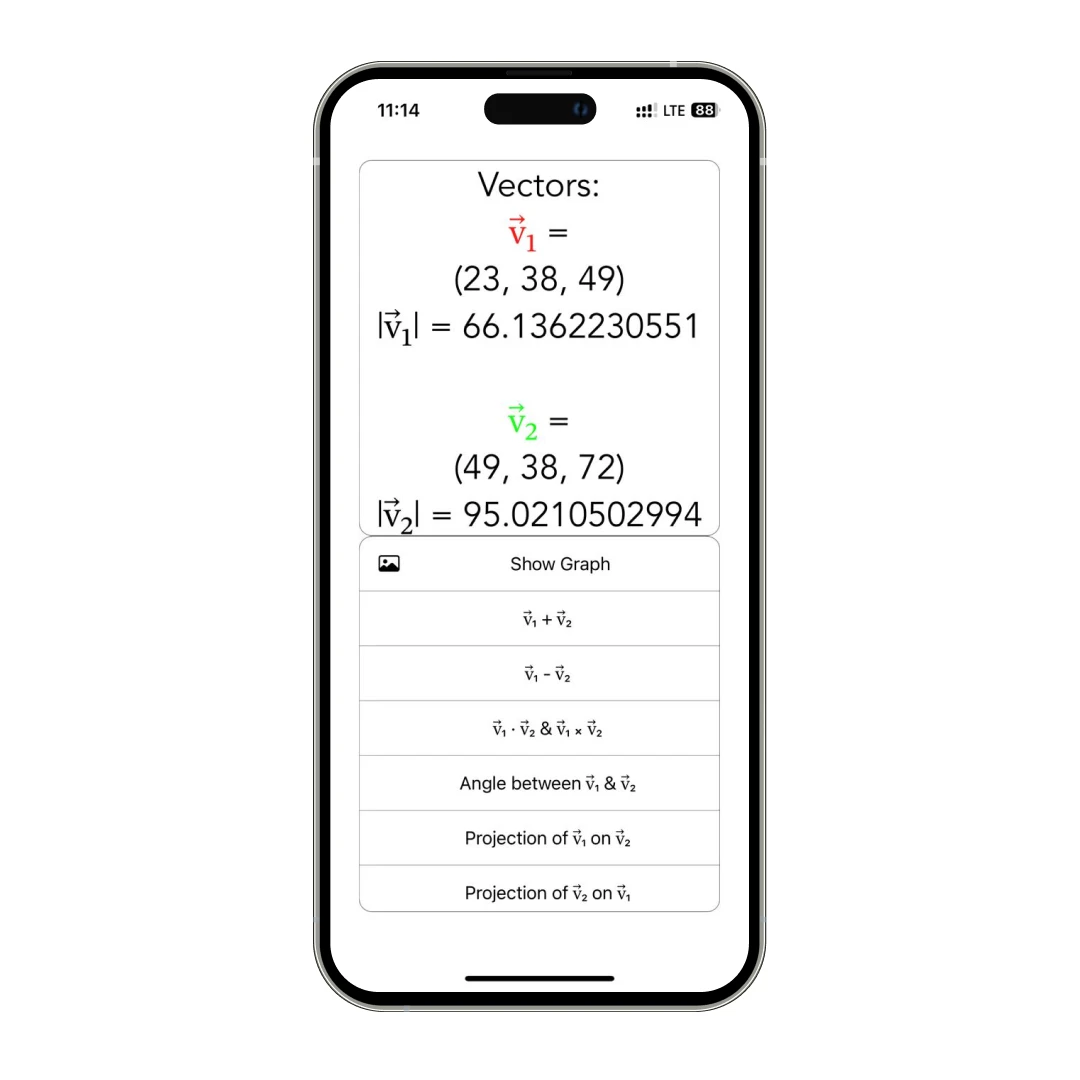
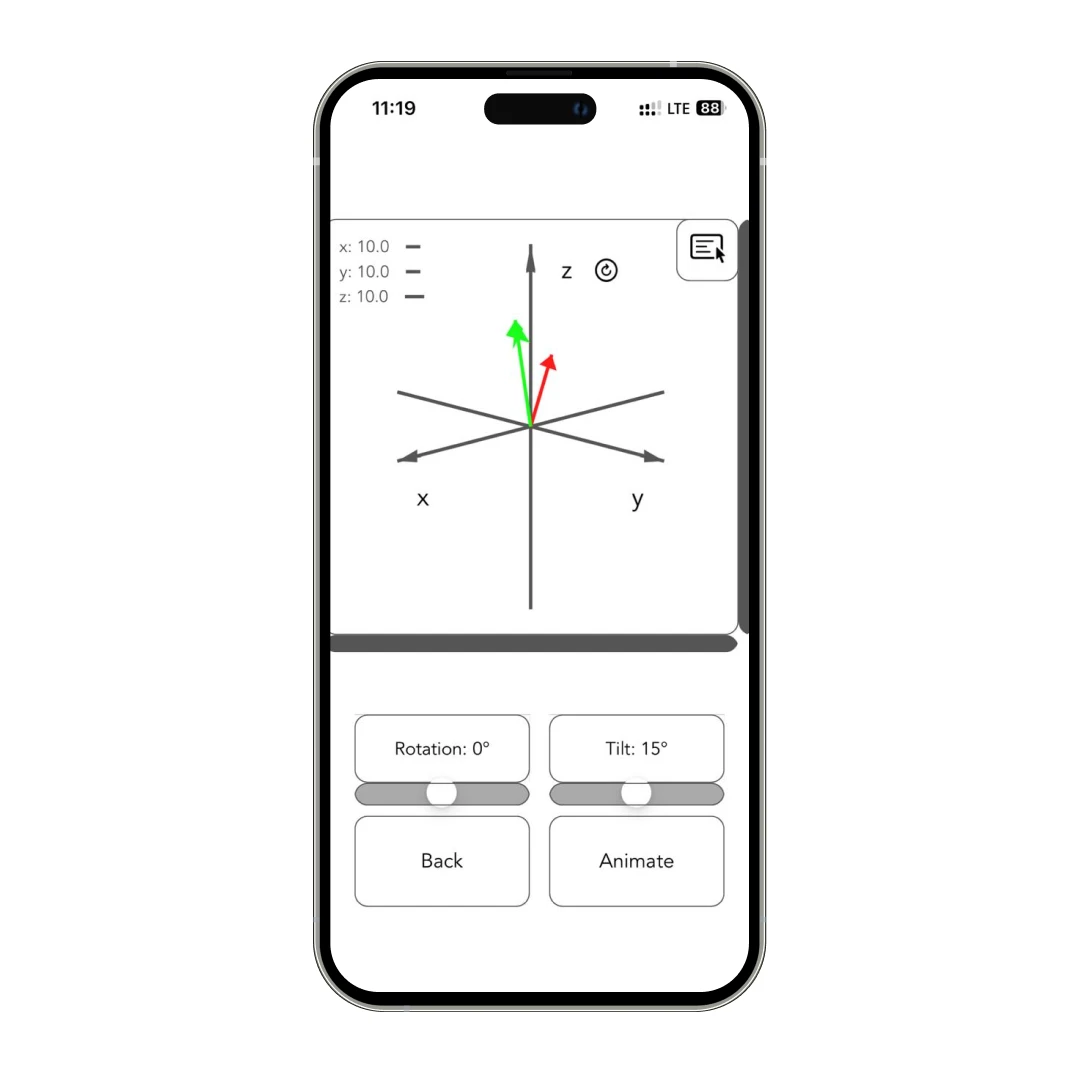
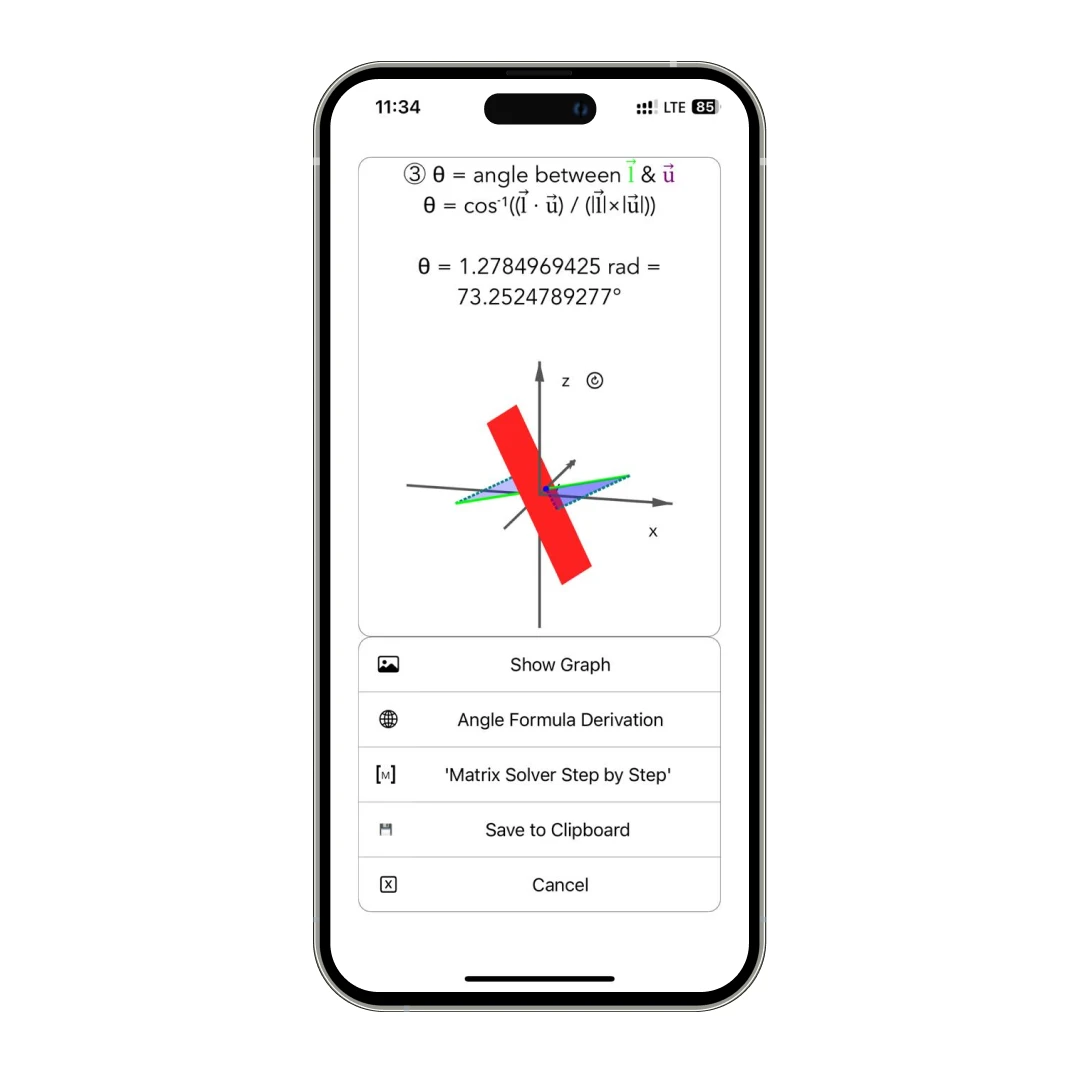
Two Vector Combination: You can explore how two vectors span a plane or line, and the app lets you rotate and zoom the 3D visualization so it actually clicks. It's like going from thinking to actually seeing.
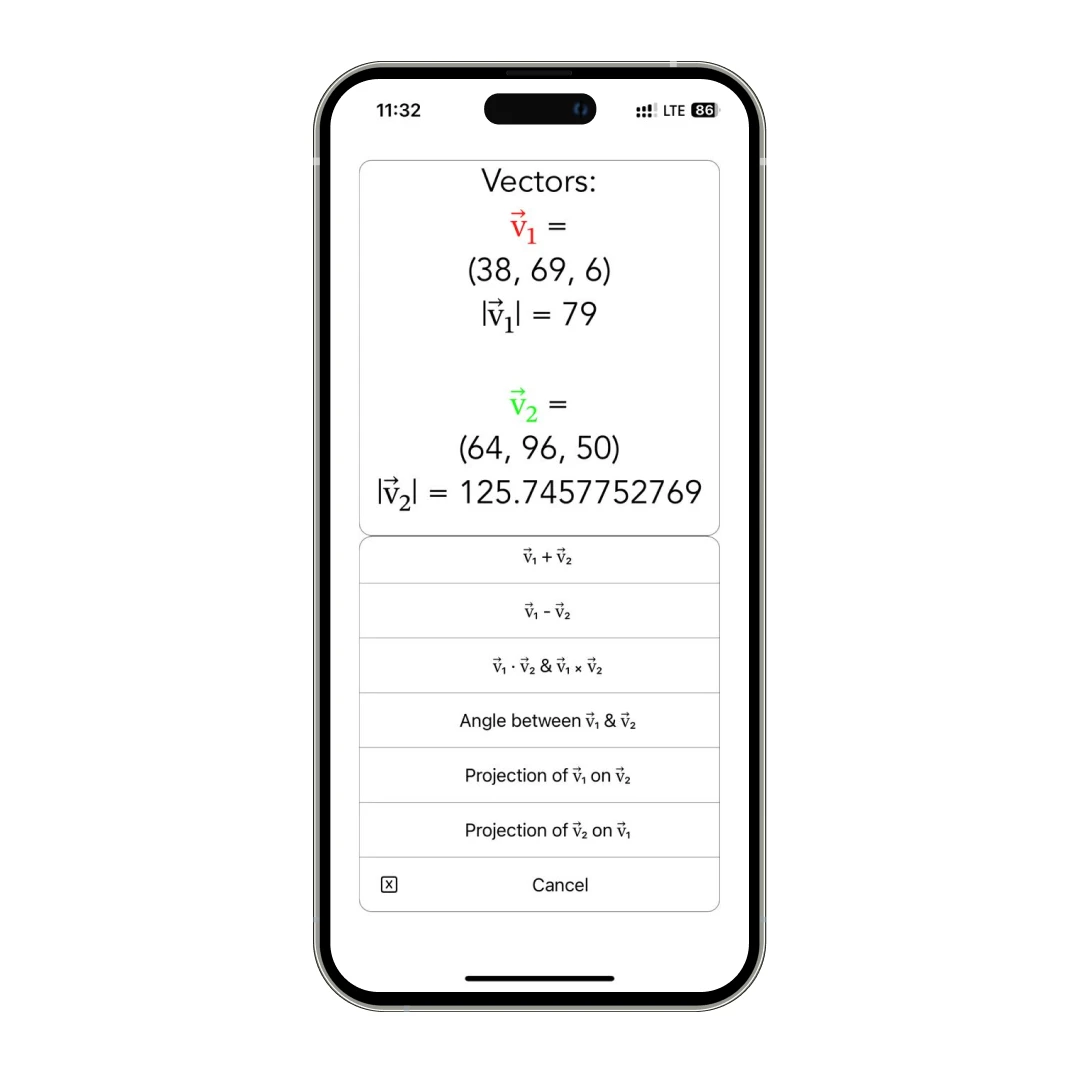
Planes and Lines: You can check out single lines intersecting planes. Plus, it lets you see two planes overlapping each other—it’s all interactive, and the way the app lays it out? Super smooth (navigation-wise).
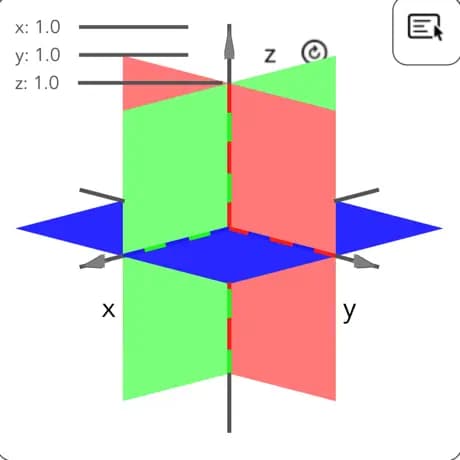
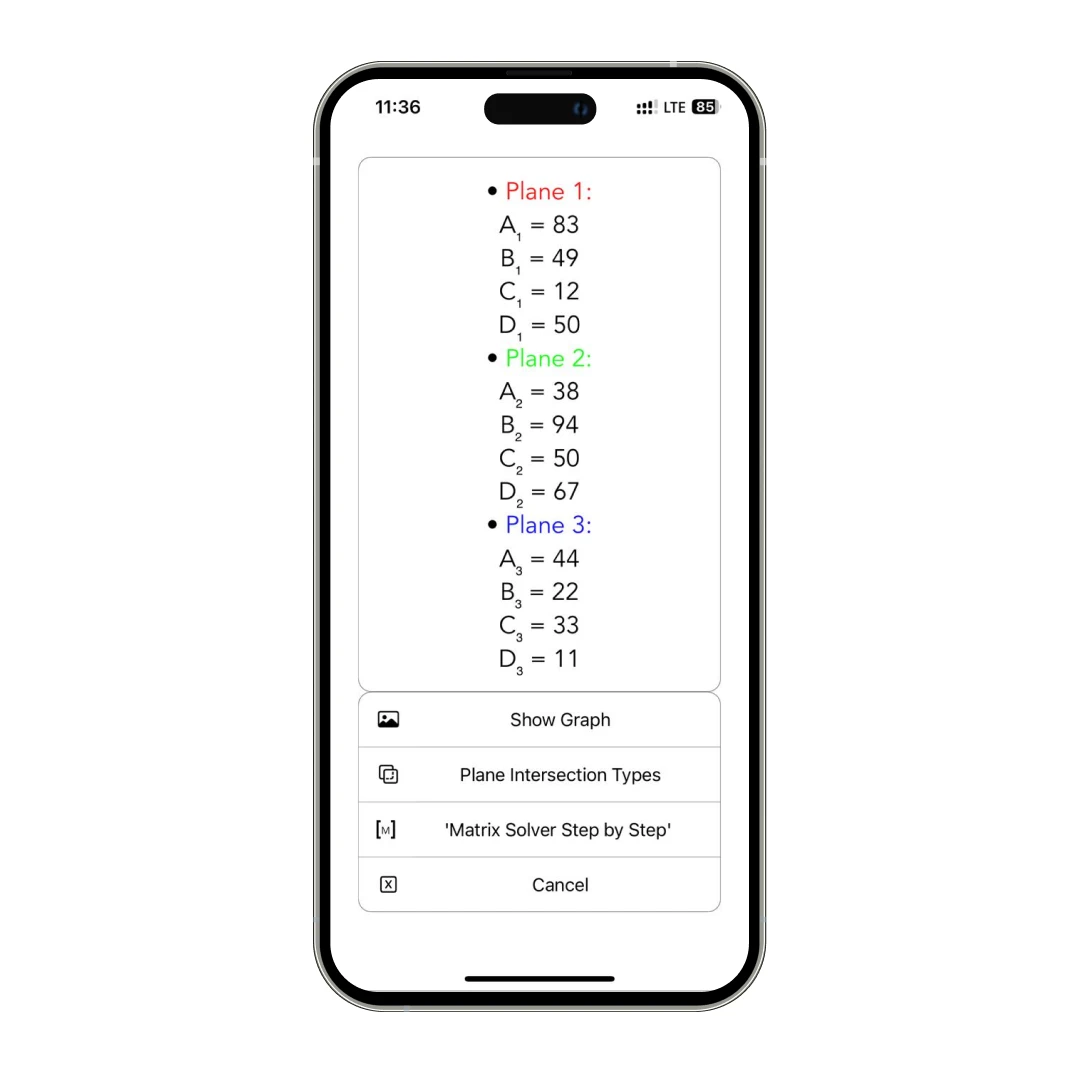
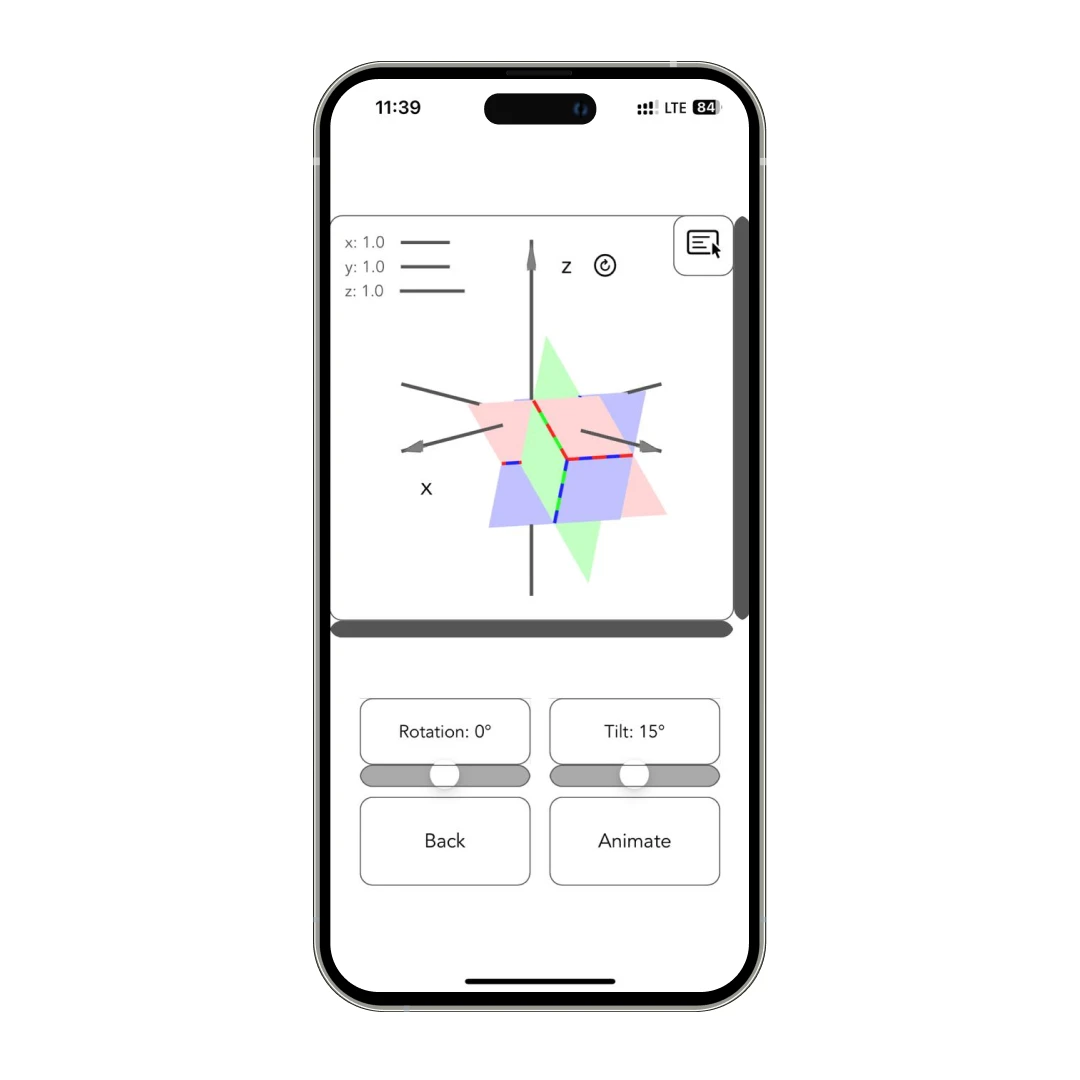
Three Plane Combinations: Have you ever wondered how three planes intersect—at a point, along a line, or not at all? This feature shows all the possible scenarios in 3D. I didn’t even realize how helpful this was until I started solving problems with actual visual cues.
2. Quadric Surfaces (The Cool Geometry Stuff)
Ever thought about how your matrix could be like a positive, definitive matrix with standard shapes like spheres, cones, ellipsoids, and cylinders? But with this app, it is possible.
Plus, each one also comes in matrix form, which is for anyone learning about positive-definite, indefinite, or semi-definite matrices.
I used to mix up hyperboloids and paraboloids all the time, but this app lays them out crystal clear—with real-time 3D models. You can toggle between the standard version and its matrix representation and see how they move in different axes.
3. Combo Mode: Linear Meets Quadric
The app helps visualize how 3D shapes interact by showing different combinations of lines and curved surfaces. Below is the current list of available structures:
1. Matrix ellipsoid and line.
2. Standard ellipsoid and plane.
3. Matrix ellipsoid and plane.
4. Matrix cone and line.
5. Standard cone and plane.
6. 1-sheet hyperboloid in matrix form and line.
7. 2-sheet hyperboloid in matrix form and line.
8. Matrix cylinder and line.
9. Elliptic paraboloid and line.
10. Hyperbolic paraboloid and line.
There are 10+ intersection scenarios (like line + matrix ellipsoid, plane + standard cone, etc.), and each one gives you step-by-step calculations so you get both the visuals and the math behind it.
4. Interactive 3D Graphs for Everything
Every structure, every combo, and every vector plane intersection—you get full 3D interactivity. You can pan, zoom, rotate, and explore from every angle. It's way better than static textbook diagrams. Honestly, the first time I saw a line graze the side of a hyperbolic paraboloid in real-time? Mind. Blown.
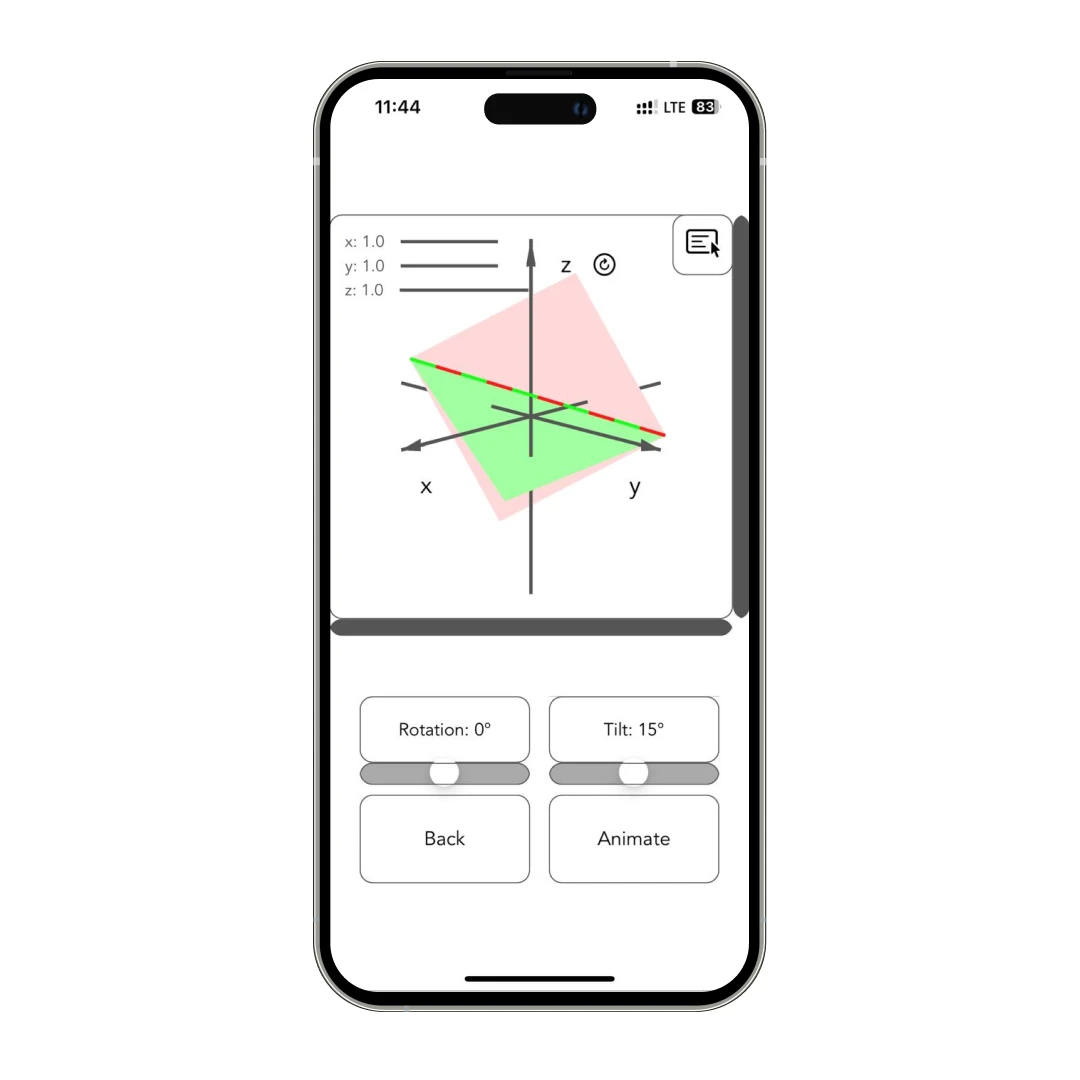
The app explains the calculation behind each intersection, step by step. And if you’re unsure about some of the math? It even points you to the Matrix Solver Step-by-Step app for a deeper understanding of the linear algebra used.
Customer Reviews
How was your experience with the product?