


Meshy AI Review: $20 a Month for 3D Models in 60 Seconds, Worth It?
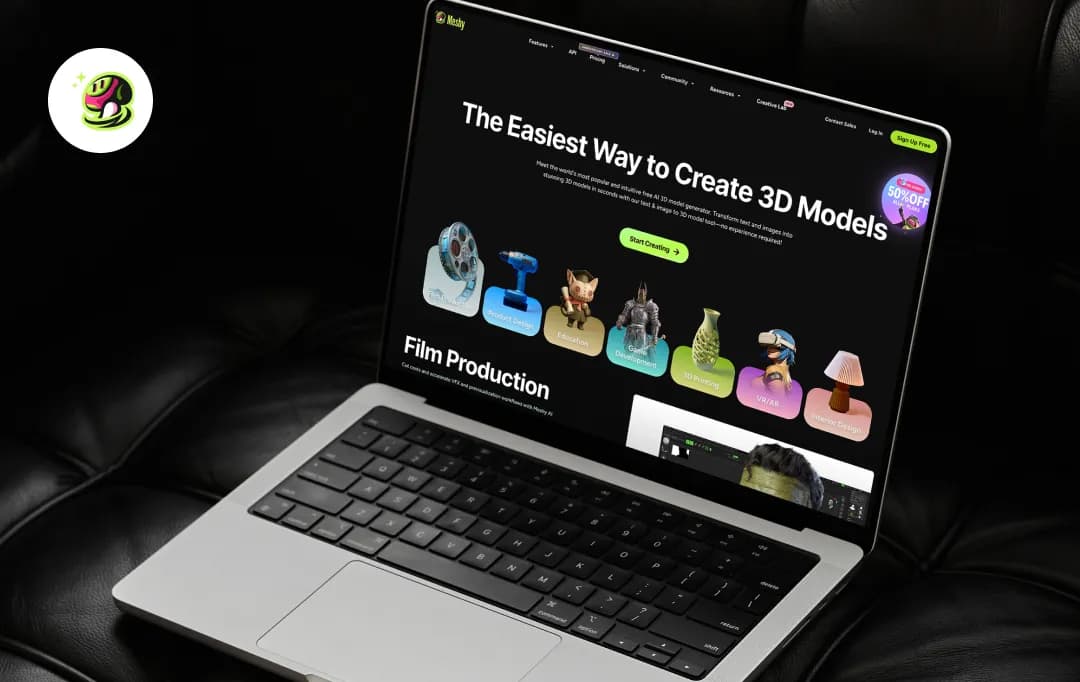
A few weeks ago, we'd have told you AI 3D generators weren't worth your time. The outputs were warped, the textures looked melted, and anything more complex than a cube fell apart on import.
Meshy made us rewrite that take.
The tool turns text or an image into a textured 3D model in about a minute, and on Meshy 6, the results are good enough that you can actually use them. Game devs are dropping these into Unity. Folks running them through slicers for 3D printing are getting clean prints on the first try. That's a real bar, and most of this category hasn't cleared it.
It's not flawless. The free plan blocks downloads of Meshy 6 outputs, which is the whole reason you'd want Meshy in the first place. The credit system makes you careful in a way that quietly kills experimentation, and complex anatomy still trips it up.
But for the first time, we're reviewing an AI 3D tool without the assumption that it's going to disappoint. That alone is worth talking about. So, read through this Meshy AI review to know our take on it.
Pros and Cons of Meshy AI
Pros
- Meshy 6 outputs drop straight into Unity, Unreal, and Blender with minimal cleanup
- Text or image to a fully textured 3D model in about a minute
- Auto-rigging in under 30 seconds across humanoids, bipeds, and quadrupeds
- Seven export formats cover game engines, AR/VR, and 3D printing without conversion
- 100+ animation presets, applied in one click and free of credit cost
- Browser-based, runs on any laptop, no install or GPU needed
Cons
- Free tier can't download Meshy 6 outputs, which is the version actually worth paying for
- Credits drain fast: 20 per Meshy 6 generation on a 1,000-credit Pro plan
- Complex anatomy still warps; fingers, tails, and hard-surface detail often need rerolls
- Cloud-only, no offline mode
- No pixel-level texture control like Substance Painter or Photoshop
A Closer Look at Key Features of Meshy AI
Meshy is built around six core tools, and they're designed to work together. You can start with a sketch or a sentence and walk out with a rigged, animated character without ever opening another app.
1. Image to 3D
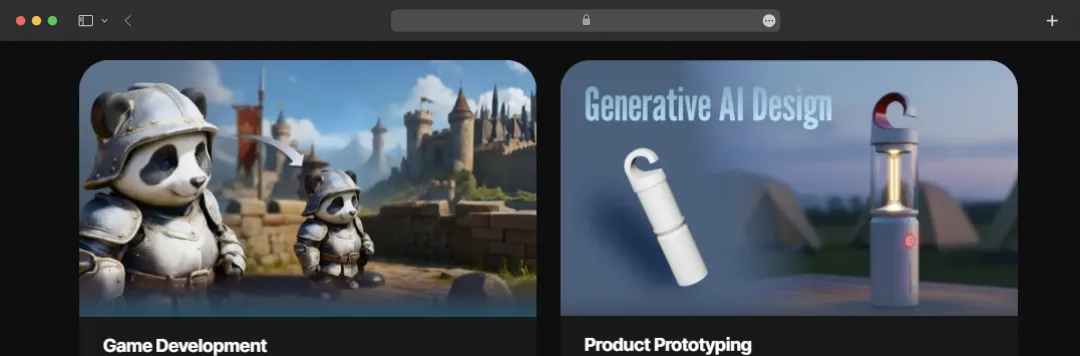
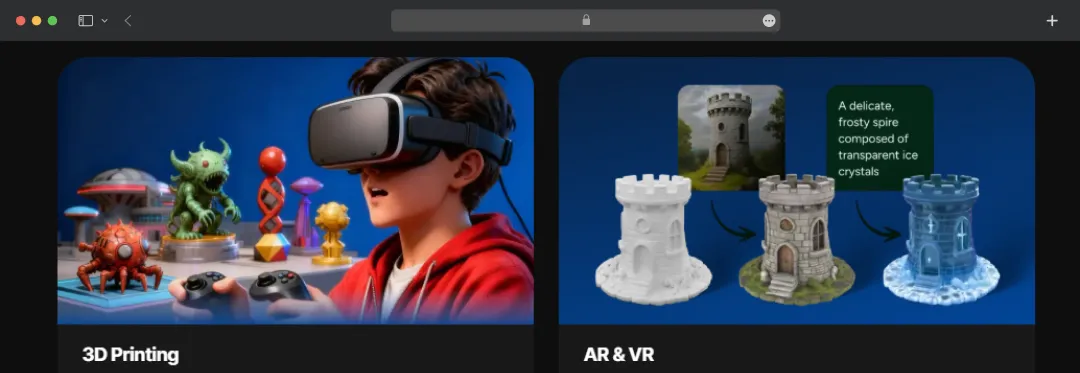
Meshy’s image-to-3D feature lets you upload a single photo and get a fully textured 3D model in about a minute. Its multi-view mode reconstructs the model from several angles for more accurate geometry, and batch mode handles up to 10 images at once. This feature is particularly useful for e-commerce catalogs, scanning concept art, or skipping a photoshoot.
2. Text to 3D
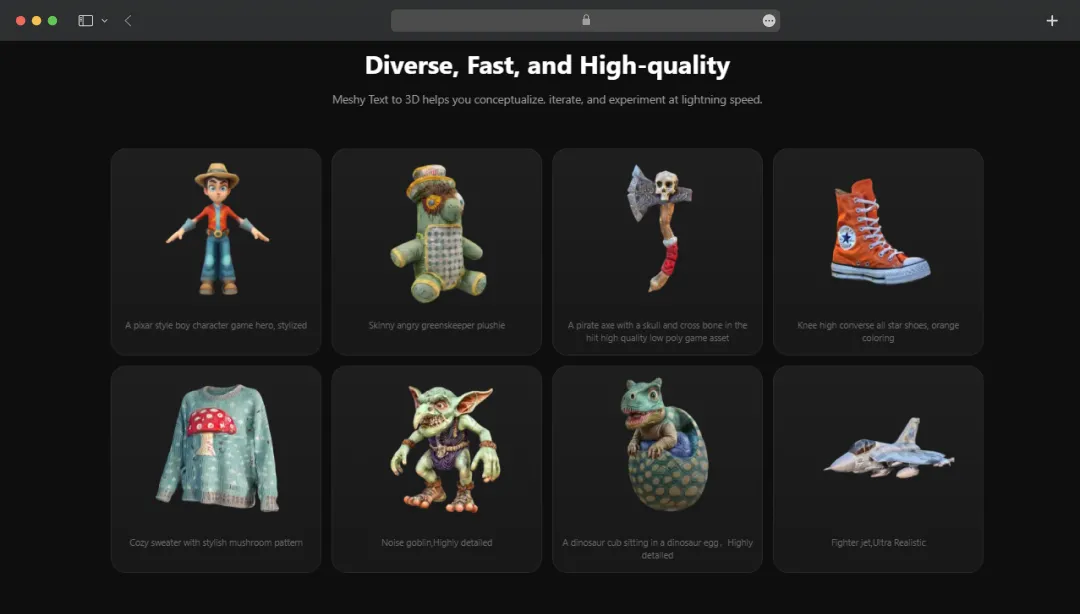
Text-to-3D is the gateway feature for most users, and it's where Meshy makes its strongest case. You type a description in any language, up to 800 characters, and the platform returns a textured 3D model with PBR maps in about a minute.
There's a Standard mode for high-detail output and a Low Poly mode for game-ready meshes, plus a prompt helper that catches the kind of vague inputs that usually waste a generation.
3. AI Texturing
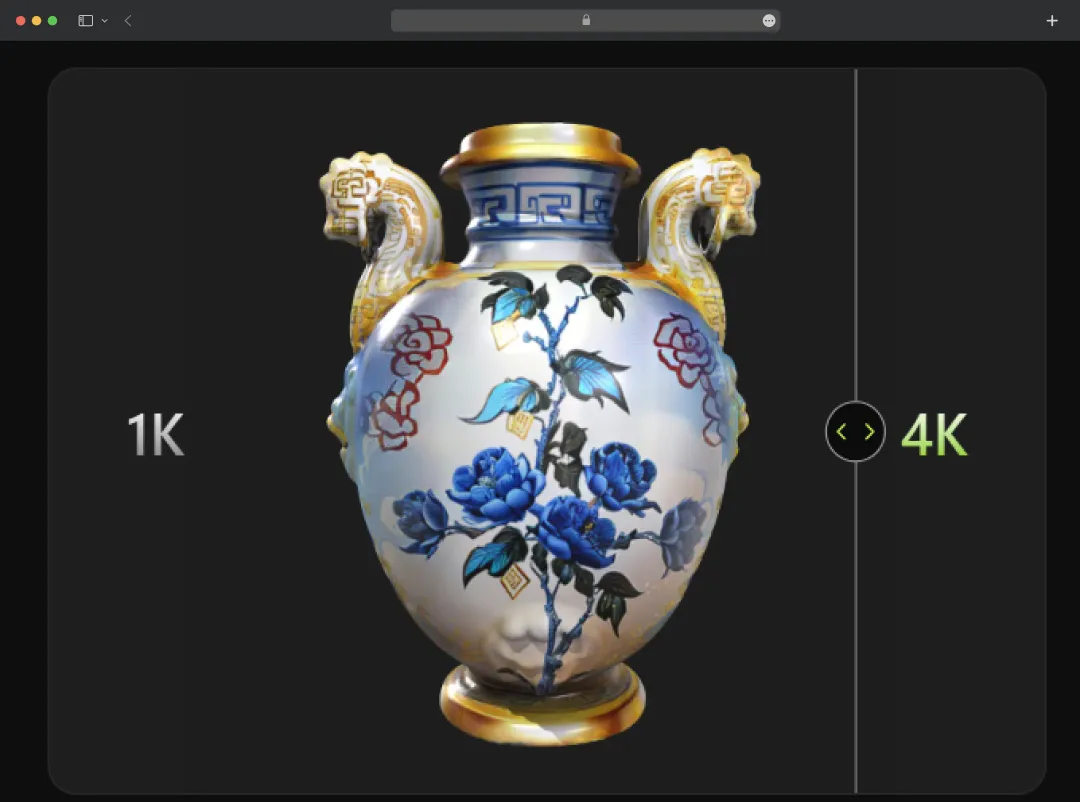
Anyone who's spent an afternoon UV-unwrapping a model knows why this feature matters. AI Texturing takes any 3D model, yours or one Meshy generated, and applies surface detail through a text prompt or a reference image.
The output includes the full PBR map set (Diffuse, Roughness, Metallic, Normal), which is enough to plug directly into a real engine without an intermediate stop in Substance.
4. AI Image Generator
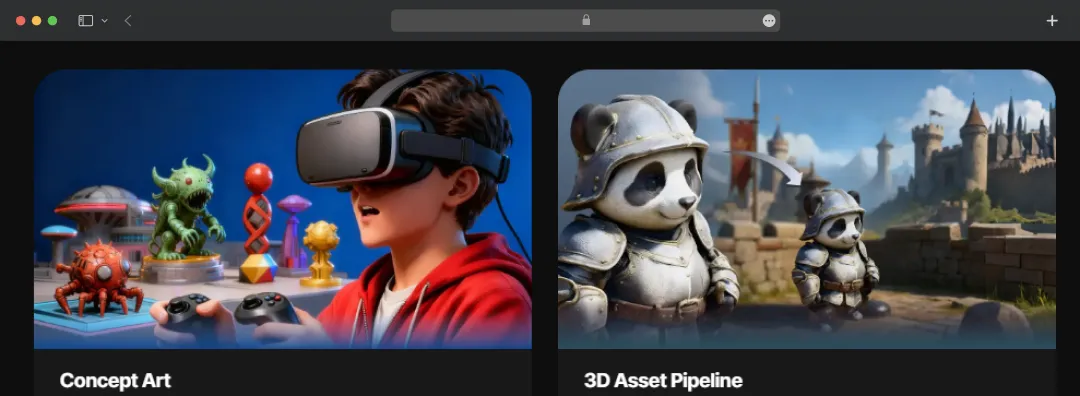
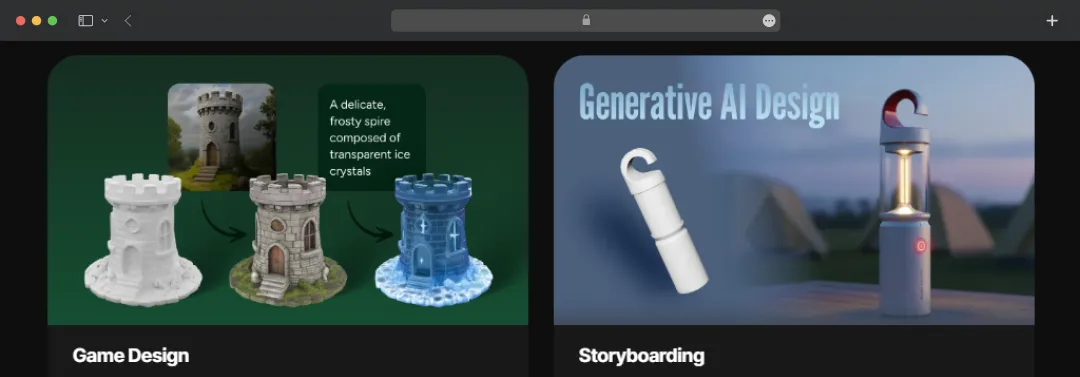
This one is a supporting tool more than a headline feature. The AI Image Generator creates multi-view reference images of a single subject, all consistent in style and proportion, which the image-to-3D feature then uses as input. It's how Meshy closes the loop for users who don't have reference art and don't want to bounce between three different AI tools to make a single asset.
5. Animation
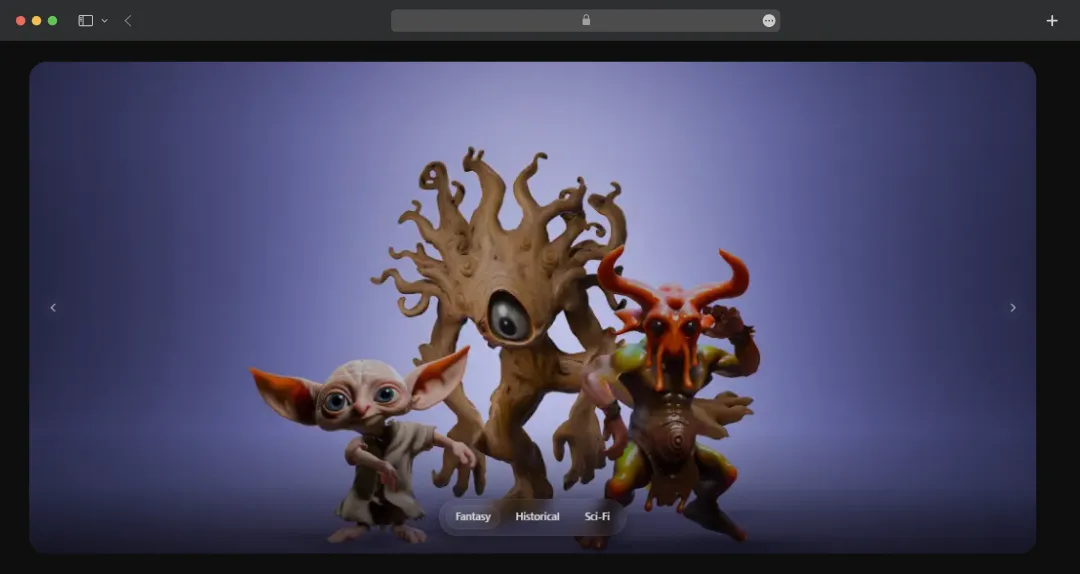
Animation is where Meshy does more than its marketing suggests. Upload any character, yours or one Meshy generated, and it auto-rigs in under 30 seconds, handling humanoids, bipeds, quadrupeds, and stylized figures. The 100+ preset motion clips apply with a click, and none of them burn credits, which matters once you start iterating across a full character roster.
6. API
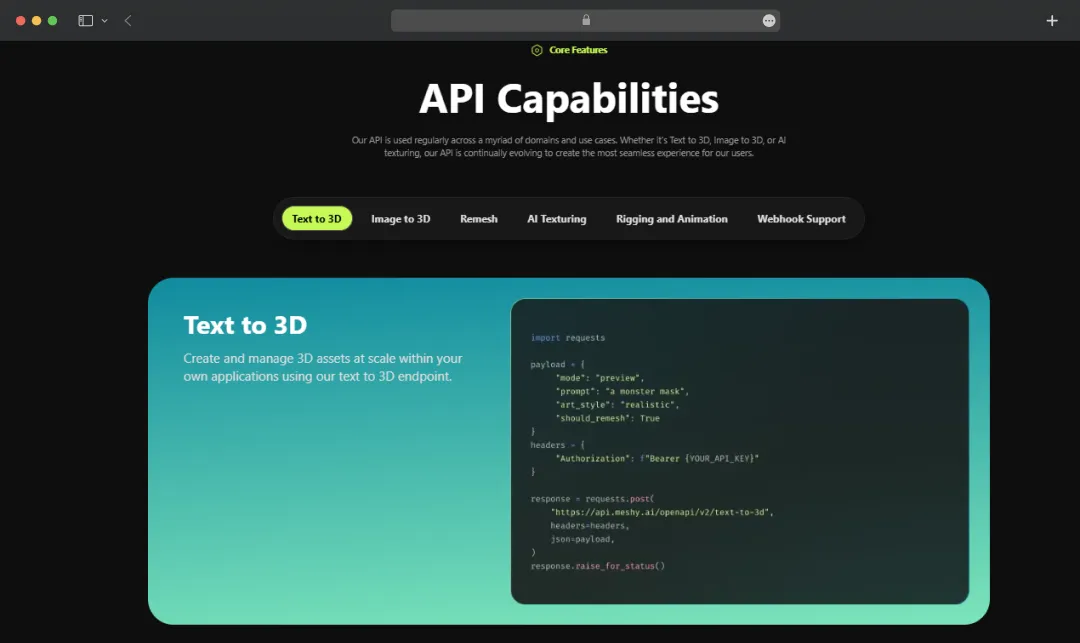
For teams thinking past one-off generations, Meshy AI 3D model generator ships an API. It exposes the full generation stack (text-to-3D, image-to-3D, and texturing) through a documented endpoint at docs.meshy.ai, which means you can wire 3D asset creation into your own app, marketplace, or production pipeline. It's the difference between using Meshy as a tool and building on Meshy as infrastructure.
Bonus Read: AI Art Generators
What is Meshy AI Pricing in 2026?
Meshy runs on a credit-based system. Every generation, texture pass, or remesh consumes credits from your monthly allowance. Higher subscription tiers unlock private licensing, faster generation speeds, and team controls.
Here is an overview of Meshy AI cost for 4 different plans-
| Plan | Monthly Price | Monthly Credits | Best For |
|---|---|---|---|
| Free | $0 | 100 credits | Testing the workflow before committing |
| Pro | $20 / month | 1,000 credits (up to 100 assets) | Solo creators, indie game devs, and freelancers |
| Studio | $60 / seat/month | 4,000 credits per seat (up to 400 assets) | Teams needing shared credits and centralized billing |
| Enterprise | Custom | Customizable | Large studios with API, SSO, and scale requirements |
*As of May 2026, Meshy is running an anniversary sale with discounts on annual billing across Pro and Studio plans. You can avail 50% off on all the plans.
Meshy AI Use Cases Across Different Industries
Meshy AI is used for 3D printing and multiple other purposes. Game studios prototype with it, designers visualize with it, and 3D printing hobbyists use it to skip modeling altogether. The table below maps the most common workflows.
| Use Case | How Meshy Helps |
|---|---|
| Game Development | Generates production-ready props, characters, and environment pieces that drop straight into Unity, Unreal, or Godot, cutting asset creation from days to minutes. |
| 3D Printing | Outputs models in STL and 3MF with a high slicer pass rate, plus one-click integration with Bambu Studio for direct printing. |
| 3D Animation | Auto-rigs humanoid, biped, and quadruped characters in under 30 seconds and applies preset motion clips at no credit cost. |
| Education | Removes the steep learning curve of Blender or Maya, letting students explore 3D design and concept work without a semester of software training first. |
| Product Design | Turns sketches and reference images into 3D mockups, fast enough to test form factor before any time goes into CAD or tooling. |
| Film Production | Speeds up previz and asset creation during pre-production, giving directors and production designers faster visual references before the shoot. |
| VR / AR | Generates lightweight, optimized 3D assets for XR headsets, with export formats (USDZ, GLB) compatible with Apple Vision Pro, Meta Quest, and Pico. |
| Toy Design | Converts hand sketches or reference images into printable 3D prototypes for rapid concept validation before manufacturing. |
| E-commerce | Creates 3D product visuals for catalogs, AR previews, and product configurators without a photo studio or CAD team. |
| Interior Design | Generates furniture, decor, and props on demand for moodboards, walkthroughs, and client presentations. |
| VFX | Provides rapid concept-to-asset turnaround for shot planning, layout, and look development without holding up the modeling team. |
Customer Reviews
How was your experience with the product?














